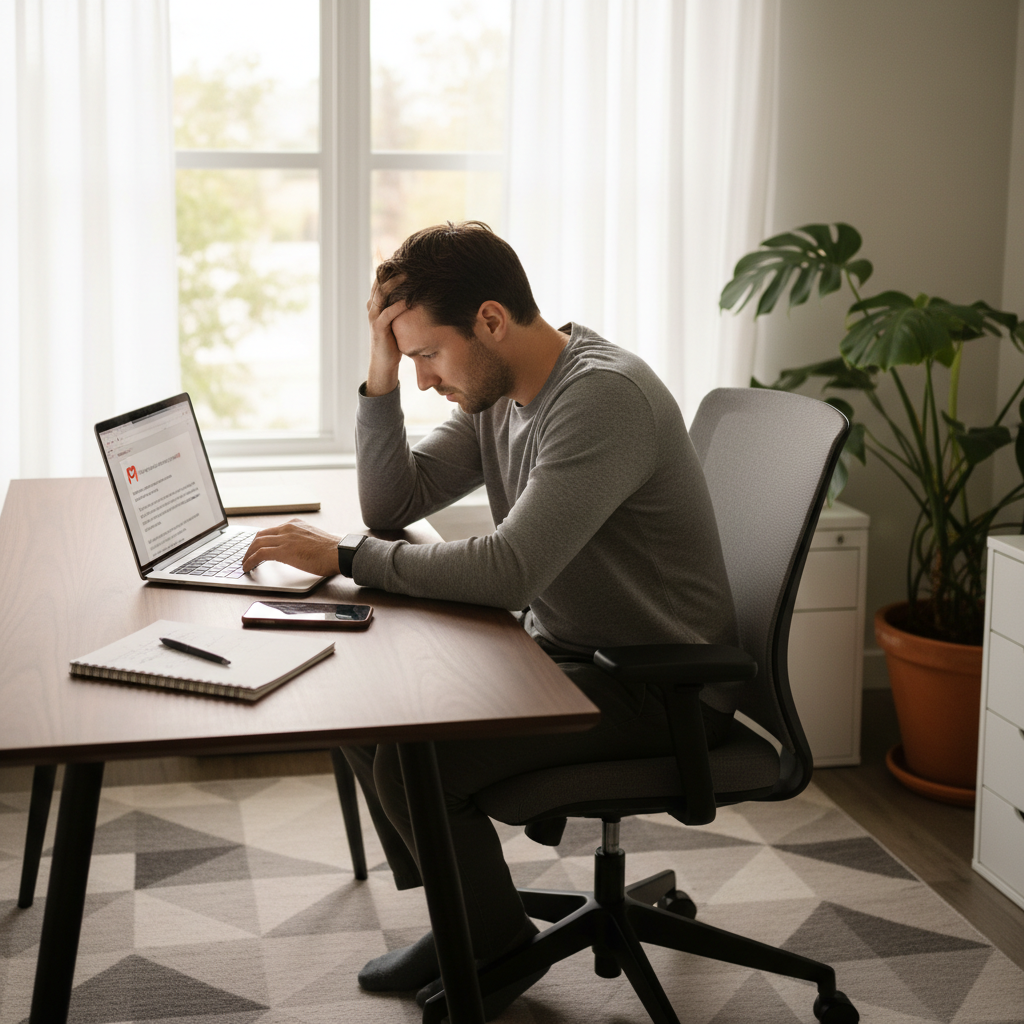
You are in the middle of drafting an important email to a client, or perhaps you are about to join a Google Meet call for a family catch-up. Suddenly, the screen refreshes, and you see that dreaded sign-in page. You have been logged out—again.
If you are facing this scenario, you aren’t alone. Many residents in San Jose dealing with hybrid work schedules or managing household administration online face this exact annoyance. When Gmail keeps logging out on laptop browsers, it isn’t just a minor glitch; it disrupts your focus, wastes your time, and can even cause you to lose unsaved work.
For home users, students, and freelancers, a reliable email connection is the backbone of daily life. Whether you are coordinating with teachers, managing finances, or running a small business from your living room, you need your tools to work seamlessly.
This guide will walk you through why this happens and what you can do about it. We will explore simple troubleshooting steps you can try right now and explain how professional remote tech support San Jose services can resolve stubborn technical gremlins without anyone needing to step foot in your home.
Why Gmail Keeps Logging Out on a Laptop
Before we jump into the fixes, it helps to understand why Google is kicking you out in the first place. It is rarely a problem with Gmail itself; Google’s servers are incredibly stable. Instead, the issue usually lies within your specific device or browser settings.
Here are the most common culprits for why Gmail keeps signing out:
1. Browser Cache and Cookie Clutter
Your web browser saves small files (cookies) and images (cache) to load pages faster next time you visit. However, these files can become corrupted or outdated over time. If the cookie that verifies your identity to Google gets corrupted, Gmail won’t recognize your session and will force you to log in again for security.
2. Outdated Browser Software
Are you ignoring that “Update Available” button in the corner of your screen? An outdated browser may not support the latest security protocols Gmail requires. If your browser can’t maintain a secure handshake with Google’s servers, the connection drops, and you get logged out.
3. Multiple Google Accounts Fighting for Control
Many of us have a personal email, a work email, and maybe a family shared account all logged in on the same browser. While Google allows multiple sign-ins, they can sometimes conflict. The browser may get confused about which account is the “primary” one, leading to session timeouts on secondary accounts.
4. Overzealous Antivirus or Firewalls
Security software is essential, but sometimes it can be too aggressive. Some antivirus programs include “web shield” or “privacy” features that automatically delete tracking cookies. Since Gmail relies on a specific cookie to keep you logged in, your security software might be scrubbing it clean every few hours, causing the Gmail logout issue on laptop devices.
5. Incorrect Browser Settings
You may have accidentally enabled a setting that tells your browser to “Clear cookies and site data when you close all windows.” If this is checked, every time you shut your laptop or restart your browser, your session is wiped, and you have to start over.
6. VPN and IP Address Changes
If you use a VPN (Virtual Private Network) for privacy, your IP address changes frequently. Google’s security systems are sensitive to location changes. If your IP jumps from San Jose to another country instantly, Google might flag this as suspicious activity and sign you out to protect your account.
Step-by-Step Fixes You Can Try at Home
If your Gmail account keeps logging out, don’t panic. Many of these issues can be resolved with a few minutes of tinkering. Here are some beginner-friendly steps you can take to stabilize your connection.
Step 1: Clear Your Cache and Cookies
This is the digital equivalent of sweeping the floor. It clears out the old junk so your browser can start fresh.
- How to do it (in Chrome): Go to Settings > Privacy and Security > Clear browsing data.
- Important: Select “Cookies and other site data” and “Cached images and files.” You don’t need to clear your browsing history if you don’t want to.
- Note: You will be signed out of everything one last time, but this often fixes the loop.
Step 2: Update Your Browser
Ensure you are running the latest version of Chrome, Firefox, Edge, or Safari.
- Look for the three dots or menu icon in the top right corner.
- Go to “Help” > “About [Browser Name].”
- Most browsers will automatically check for updates on this screen.
Step 3: Check Sign-in Settings
Make sure your browser isn’t set to delete your data automatically.
- Go to your browser’s privacy settings.
- Look for a toggle that says “Clear cookies and site data when you close all windows” and make sure it is turned OFF.
- Also, ensure that “Allow sites to save and read cookie data” is turned ON.
Step 4: Disable Conflicting Extensions
Browser extensions are great tools, but they can interfere with how pages load.
- Open your extensions menu (usually a puzzle piece icon).
- Turn off all extensions temporarily.
- Use Gmail for a while. If the issue stops, turn them back on one by one to find the culprit. Ad-blockers and privacy cleaners are common suspects.
Step 5: Test in Another Browser
If you use Chrome, try logging into Edge or Firefox. If Gmail keeps logging out on laptop browsers across the board, the issue might be your internet connection or computer security settings. If it only happens in one browser, the problem is isolated to that specific software.
When DIY Fixes Don’t Work
You have cleared the cookies, updated the software, and checked every setting you can find. Yet, two hours later, you see the sign-in screen again.
When basic troubleshooting fails, it often points to deeper configuration issues. This could involve:
- Corrupted user profiles within the operating system.
- Deep-rooted malware that is hijacking browser sessions.
- Complex synchronization errors between your local device and the cloud.
At this stage, trying to fix it yourself can become risky. diving into the “Registry” on Windows or “Terminal” on Mac can lead to accidental system damage if you aren’t sure what you are doing. Frustration mounts, and you end up spending your entire evening fighting with your laptop instead of relaxing or getting work done.
This is where professional home tech support San Jose becomes the stress-free solution.
How Remote Home Tech Support Can Help
At Zircon Technovatives, we specialize in solving these specific annoyances for home users. We understand that you don’t have an IT department down the hall. We bridge that gap with secure, remote-only support.
Here is how we tackle the persistent Gmail logout issue on laptop devices:
1. Comprehensive Remote Diagnosis
We use secure software to view your screen (with your permission) and diagnose the root cause. We look at error logs and settings that aren’t visible in the standard menus to see exactly why the session is terminating.
2. Fixing Sync and Security Settings
We ensure your Google account sync settings are correctly configured with your device. We also review your antivirus and firewall settings to ensure they are protecting you without disrupting your essential communications.
3. Resolving Software Conflicts
We identify and remove software conflicts that cause instability. Whether it is a rogue extension or a background application draining your resources, we clean it up.
4. Browser and Performance Optimization
While we fix the Gmail issue, we also optimize your browser for better performance, ensuring pages load faster and crashes happen less frequently.
Crucially, our services are 100% remote. You do not need to disconnect your laptop, drive to a repair shop, or wait for a technician to arrive at your door. We fix the problem while you watch from the comfort of your home.
Why San Jose Home Users Choose Remote Tech Support
San Jose is a hub of technology, but that doesn’t mean everyone is a computer engineer. Home users here value time and efficiency. Here is why remote tech support San Jose is the preferred choice for resolving email issues:
- Immediate Convenience: There is no need to navigate Bay Area traffic to get to a repair shop. You can schedule a session that fits into your lunch break or your evening downtime.
- Safety and Privacy: Since we do not offer onsite visits, you never have to worry about letting a stranger into your home. Our remote connection is fully encrypted, and you can see everything we do on your screen in real-time.
- Cost-Effective: Remote support is often more affordable than in-person visits because there are no travel costs involved. You pay for the expertise, not the commute.
- Expertise for Home Users: We focus specifically on the needs of home users—families, students, and remote workers. We explain things in plain English, not technical jargon.
Take Control of Your Inbox Today
A reliable email account is essential for modern life. You shouldn’t have to sign in ten times a day just to stay connected. If Gmail keeps logging out on laptop screens in your home, stop struggling with the settings and let an expert handle it.
At Zircon Technovatives, we get you back online and back to work quickly. We resolve the root cause so you can trust your technology again.
Ready to stop the logout loop?
[Schedule Remote Home Tech Support in San Jose]
[Need Help Fixing Gmail Logout Problems? Talk to a Tech Expert]
Frequently Asked Questions
- Why does Gmail keep logging me out automatically?
This is usually caused by corrupted browser cookies, strict privacy settings that delete data upon closing the browser, or interference from security software. In rare cases, it can be a security measure by Google if suspicious activity is detected on your account. - Can browser updates fix Gmail logout issues?Yes, often. Google updates its security protocols regularly. If your browser is outdated, it may not be able to maintain a secure connection with Gmail, resulting in frequent logouts. keeping your browser updated is a critical first step.
- Is this a laptop problem or a Gmail issue?It is almost always a local issue on your laptop or browser. Gmail’s servers are very stable. If you can stay logged in on your phone but not your laptop, the problem is definitely specific to the laptop’s configuration.
- Can remote tech support fix Gmail problems?
Absolutely. Remote technicians can access your computer securely to clear deep caches, reconfigure browser settings, and fix synchronization errors that cause Gmail keeps signing out issues. It is often faster than trying to figure it out yourself. - Is my Gmail account compromised?
Frequent logouts can sometimes be a sign that someone else is signing into your account, prompting Google to boot other sessions. However, it is more likely a technical glitch. A remote support session can help you review your “Last Account Activity” to rule out hacking and secure your account if necessary. - How long does remote troubleshooting usually take?
Most email and browser configuration issues can be resolved in under an hour. Complex cases involving malware or system corruption may take longer, but a simple Gmail logout issue on laptop is usually a quick fix for our experts.