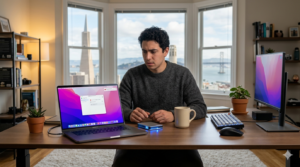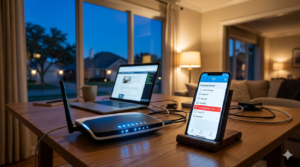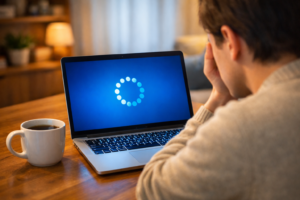
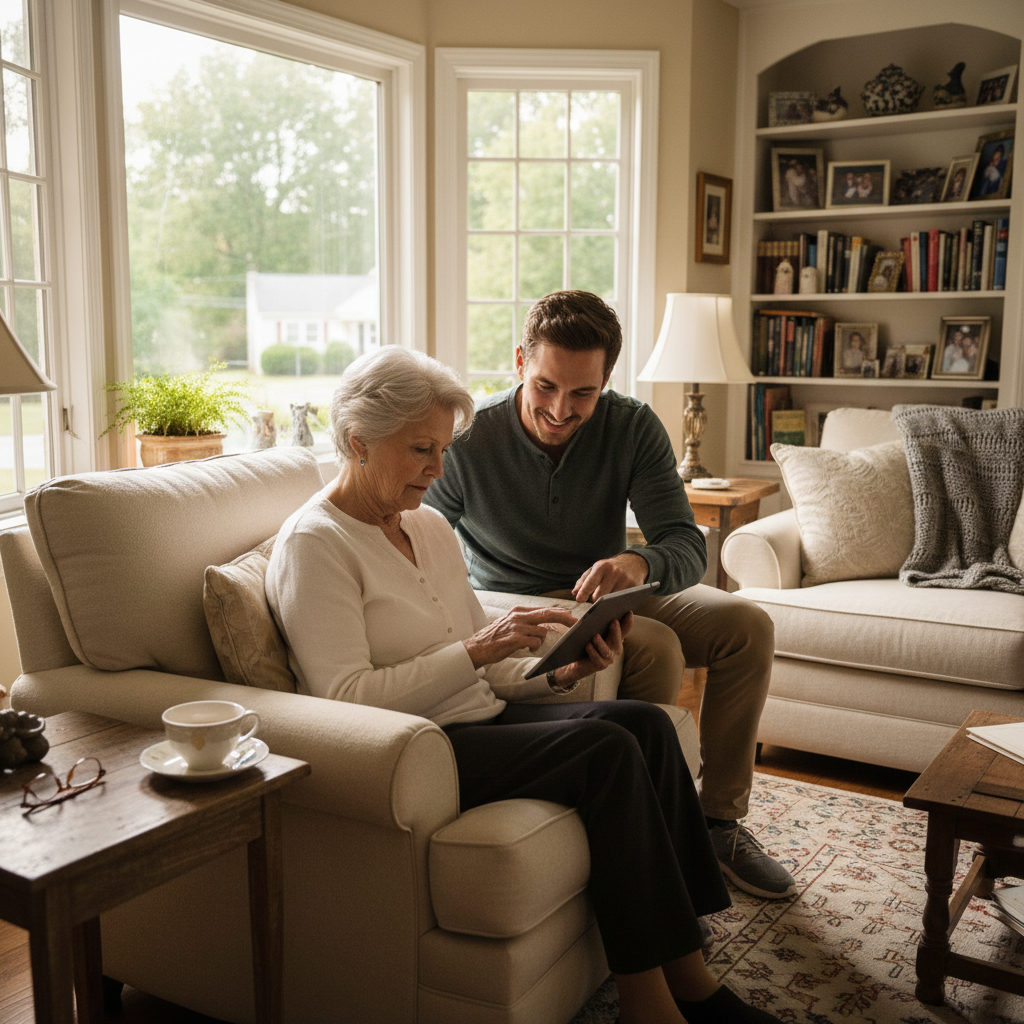
For many seniors living independently across New Jersey, technology is a powerful tool for connection and convenience. A tablet can be a window to see grandchildren in another state, a smartphone helps with scheduling appointments, and a computer is essential for everything from online banking to exploring hobbies. While these devices offer incredible benefits, they can also become a source of frustration and anxiety when they don’t work as expected.
Families and caregivers often find themselves playing the role of impromptu tech support, trying to solve problems over the phone. But what happens when the issue is more than just a forgotten password? What about making a device truly usable for someone with changing vision, or protecting them from online threats? This is where professional home tech support goes beyond basic troubleshooting. It’s about creating a safe, accessible, and stress-free digital environment, all without the need for an in-person visit.
More Than Just Fixing Problems: Improving Accessibility
Modern devices are packed with powerful accessibility features, but they are often hidden deep within settings menus. For many elderly users, finding and configuring these options is a significant hurdle.
Making Screens Easier to See and Use
Struggling to read small text is one of the most common complaints. While most people know how to increase font size, a professional can do much more. They can adjust screen contrast, enable text-to-speech so emails or articles are read aloud, and set up screen magnifiers. For users with dexterity challenges, they can also adjust touch sensitivity to prevent accidental taps. These small adjustments can transform a frustrating device into a genuinely helpful tool.
Simplifying the User Experience
A cluttered screen with dozens of apps can be overwhelming. A remote technician can help simplify the device’s home screen, placing only the most important apps—like video calls, email, and photos—front and center. They can also remove unnecessary notifications and pop-ups that cause confusion and create a cleaner, more focused experience.
A Gentle Defense Against Online Scams
Seniors are often targeted by sophisticated online scams, from fake renewal notices to alarming security warnings. While no service can guarantee complete protection, professional support can build a much stronger defense.
Identifying and Blocking Threats
A common tactic scammers use is a pop-up window that claims a computer is infected and demands payment to fix it. A remote support technician can install and configure reputable security software that is effective at blocking these malicious pop-ups and phishing emails. More importantly, they can explain in simple terms what these threats look like, empowering the user to recognize and avoid them.
The Risk of Outdated Systems
Outdated software is a major security risk. Hackers can exploit known weaknesses in old programs to gain access to a device. Many people turn off automatic updates because they are disruptive or confusing. A professional can manage these updates remotely, ensuring devices are always protected with the latest security patches. This is done in the background, providing peace of mind without causing disruption. Providers like Zircon Technovatives specialize in this kind of patient, proactive maintenance, acting as a digital guardian for their clients.
The Value of Patient, Remote Guidance
For an elderly user, the thought of someone “taking over” their computer can be intimidating. A respectful and patient approach is essential.
How Remote Support Works
Modern remote support tools are safe and require explicit permission for every session. A technician will guide the user over the phone on how to grant access. The user can see everything the technician is doing on their screen in real-time. This transparency builds trust and helps demystify the process. It’s like having an expert sitting beside you, without them ever needing to step into your home in Cherry Hill or Jersey City.
Building Confidence, Not Dependence
The goal of good tech support isn’t just to fix the immediate problem, but to build the user’s confidence. By explaining steps clearly and setting up devices to be more intuitive, technicians can empower seniors to use their technology more independently. This reduces their reliance on family members for small issues and fosters a greater sense of self-sufficiency.
For adult children and caregivers, this service provides invaluable peace of mind. Knowing a trusted professional is available to handle tech issues means you can focus on what truly matters: spending quality time with your loved ones, not troubleshooting their Wi-Fi. If technology has become a point of stress for an elderly family member, seeking expert guidance can restore it to its rightful place as a helpful and enjoyable part of their life.
Frequently Asked Questions (FAQs)
Are remote tech support services safe for seniors?
Yes, reputable services use secure, encrypted connections and require the user’s permission to start every session. The user can see everything the technician does on their screen and can end the session at any time. It’s a very safe and transparent process.
How can elderly users avoid common online scams?
The best advice is to be skeptical of unsolicited messages. Never click on links in pop-up windows that claim your computer has a virus, and be wary of emails or texts asking for personal information or payment. A good rule is to hang up or delete the message and ask a trusted source for help.
Should automatic updates be turned on for seniors’ devices?
Generally, yes. Automatic updates are critical for security. However, they can sometimes be disruptive. A remote tech support service can manage these updates to ensure they are installed correctly and at convenient times, keeping the device secure without causing confusion.
Can accessibility settings be adjusted remotely?
Absolutely. A remote technician can easily access the settings on a computer, tablet, or smartphone to increase font size, improve screen contrast, set up voice-to-text features, and make other adjustments that improve usability for users with vision or hearing challenges.
How often should a senior’s home devices be checked?
A professional “health check” every 6 to 12 months is a good practice. This allows a technician to clean up unnecessary files, ensure security software is working correctly, and confirm that all updates have been properly installed, preventing small issues from becoming bigger problems.