It is a question we hear often, and frankly, it is a very reasonable one to ask. You are sitting at home with a computer that is running slowly, throwing up error messages, or refusing to connect to the printer. The idea that someone sitting miles away—perhaps even in a different city—can reach through the internet and fix it sounds almost like magic. Or, to the more sceptical mind, it might sound too good to be true.
For decades, the standard solution to a computer problem was physical: you either unplugged the heavy tower and drove it to a repair shop, or you waited for a technician to knock on your front door. The concept of “remote home tech support” can feel intangible by comparison. How can they fix it if they can’t touch it?
The answer is both surprising and reassuring. While remote support isn’t a cure-all for every single issue, it is a highly effective solution for the vast majority of problems home users face today. This guide is designed to be completely transparent about what remote tech support can do, what it cannot do, and how you can decide if it is the right choice for your situation.
What Is Remote Home Tech Support?
Before we dive into the capabilities, let’s clarify what we mean by remote support. It is not just someone talking you through instructions over the phone while you frantically click buttons you don’t understand. That is old-fashioned phone support, and it is often frustrating for everyone involved.
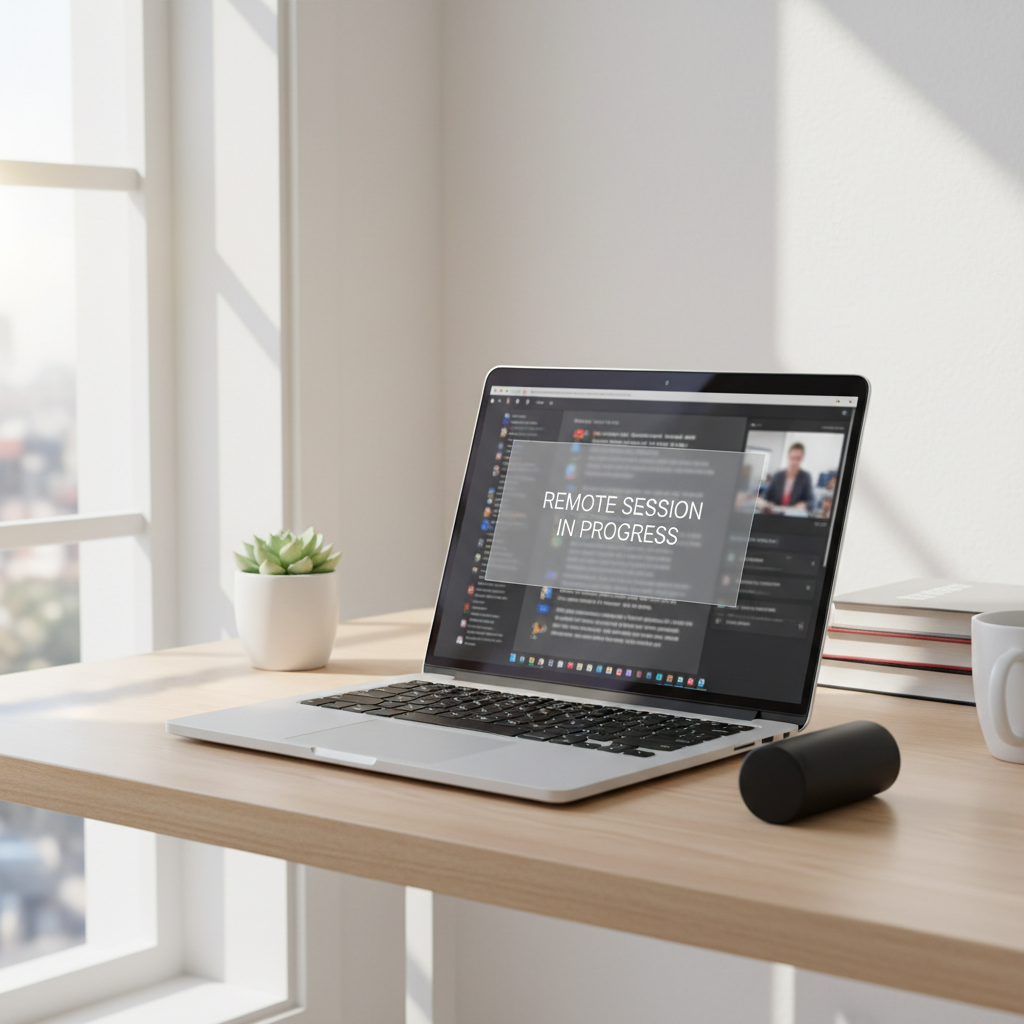
Modern remote tech support involves a technician connecting securely to your computer using specialised software. With your explicit permission, they can view your screen and control the mouse and keyboard, just as if they were sitting in the chair next to you. You can sit back and watch the cursor move as they diagnose the issue, adjust settings, and run repairs.
It bridges the gap between physical distance and hands-on repair. The technician sees exactly what you see, meaning they don’t have to rely on your description of the problem—they can witness the error message or the slow behaviour firsthand.
Home Computer Problems Remote Tech Support Can Fix
The reality of modern computing is that most “breakdowns” are software-related, not hardware-related. Because of this, a remote technician can address a surprisingly wide range of issues without ever needing to pick up a screwdriver.
Here are the most common home computer problems that are perfectly suited for remote repair:
Slow Computer Performance
Is your computer taking ten minutes to start up? Does it freeze when you try to open a web browser? These issues are rarely caused by broken parts. They are usually the result of too many background programmes, cluttered hard drives, or conflicting software. A remote technician can clean up temporary files, disable unnecessary startup items, and optimise your system settings to restore speed.
Software Errors and Crashes
If a specific programme keeps crashing or giving you a cryptic error code, it is often due to a corrupted file or an improper installation. Remote support can uninstall and reinstall software correctly, update drivers, and patch operating system glitches that cause instability.
Email Problems
For many home users, email is their primary link to the world. Issues with Outlook, Gmail, or syncing email across multiple devices are incredibly common. Whether it is a forgotten password recovery (guided securely), configuring server settings, or organising folders that have disappeared, these are purely digital problems that can be solved remotely.
Wi-Fi and Internet Configuration
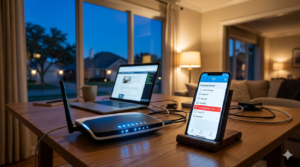
While a technician cannot physically replace a broken router, they can help with the configuration. If your computer isn’t connecting to the Wi-Fi despite the internet working on your phone, the issue is likely a setting on the computer itself. Remote support can reset network adapters, update drivers, and ensure your IP settings are correct.
Virus and Malware Removal
This is one of the most critical services provided remotely. If you have picked up a virus, spyware, or piece of malware, a technician can run deep scans using professional-grade tools to locate and isolate the infection. They can remove the malicious files and repair the damage done to your operating system.
Printer Setup and Troubleshooting
Printers are notorious for being difficult. Often, the problem isn’t the printer hardware but the communication between the computer and the device. Remote support can install the correct drivers, clear stuck print queues, and configure the connection so you can print your documents again.
Problems Remote Tech Support Cannot Fix
We believe in total honesty. There are situations where remote support simply will not work because the problem lies in the physical world, not the digital one. If a technician cannot turn the computer on or connect to it via the internet, they cannot fix it remotely.
Here are the limitations where you would need a physical repair shop:
Physical Hardware Damage
If you have dropped your laptop and the screen is cracked, no amount of software coding can fix it. Similarly, if you spill water on the keyboard or a USB port is physically snapped, these require replacement parts and manual labour.
Broken Hardware Components
If your hard drive has mechanically failed (often indicated by a loud clicking noise), or if your graphics card has burned out, these parts need to be physically swapped out. Remote software cannot repair broken circuitry.
Power Issues
If your computer presses the power button and absolutely nothing happens—no lights, no fan noise—it is likely a power supply unit (PSU) failure or a battery issue. Since the computer cannot turn on, it cannot connect to the internet for a remote session.
Total Internet Outages
Remote support relies on an active internet connection to work. If your entire home has lost internet access due to a storm or an ISP outage, a remote technician cannot connect to you. However, if you have a connection on a different device, they might be able to guide you over the phone to reset your modem.
Is Remote Tech Support Safe?
Safety is the number one concern for most home users, particularly seniors and families. The idea of letting a stranger “control” your computer can feel invasive. However, legitimate remote support is built entirely around user consent and security.
Permission-Based Access: A reputable company cannot just “break in” to your computer. You must initiate the connection. Usually, this involves downloading a small tool and giving the technician a unique, one-time code. Without that code, they cannot access your machine.
You Are in Control: During a remote session, you can see everything happening on your screen. Nothing is hidden. If you feel uncomfortable at any point, you have the power to disconnect the session immediately with a single click.
No Unattended Access: Once the session is over and the technician disconnects, they cannot get back in. The software used typically removes itself or resets the access code. They do not have a permanent “back door” into your home computer.
Professional Standards: Legitimate IT support companies vet their technicians. They are professionals bound by privacy policies, unlike the random “tech support” pop-ups that appear on websites (which are invariably scams).
When Remote Tech Support Is the Right Choice
Choosing remote support over a physical repair shop often comes down to convenience and the nature of the problem.
Speed and Convenience: The biggest advantage is speed. You do not have to unplug your cables, carry a heavy machine to the car, drive to a shop, and wait days for a diagnosis. A remote session can often be started within minutes of your call, and many problems are resolved in under an hour.
Ideal for Software and Configuration: As we discussed, if your computer turns on and connects to the internet, but just isn’t acting right, remote support is likely the most efficient path. It is perfect for “how-to” questions, error messages, and cleanup tasks.
Cost-Effective: Remote support is often charged by the session or by time, avoiding the high bench fees that physical shops charge just to look at a device. It eliminates the trial-and-error cost of buying new cables or software you might not need.
Comfort for Seniors: For elderly users who may find travel difficult or who are anxious about disconnecting their setup, remote support allows them to stay in the comfort of their own home while someone helps them patiently.
When Remote Tech Support May Not Be Enough
If you suspect your computer has a serious hardware failure—for example, if it smells like burning plastic, is making grinding noises, or the screen is completely black—remote support serves a different purpose.
In these cases, a remote technician can still be helpful as a diagnostic step. They can listen to the symptoms and confirm, “Yes, this sounds like a failing hard drive. You need to take this to a local repair shop.” This can save you from worrying that you have done something wrong software-wise. They can guide you on what to ask for at the shop, ensuring you don’t get oversold on repairs you don’t need.
How Zircon Technovatives Helps Home Users Remotely
At Zircon Technovatives, we specialise exclusively in remote home tech support. We have tailored our entire service to meet the specific needs of home users who want their technology to work without the hassle.
When you contact us, we don’t bamboozle you with technical jargon. We listen to the problem you are facing in plain English.
- Diagnosis: We will ask you a few simple questions to ensure your problem is something we can fix remotely. If it sounds like hardware damage, we will be honest and tell you immediately, so you don’t waste your time or money.
- Connection: We guide you through the simple, secure connection process. We are patient and understand that this might be your first time doing it.
- The Fix: We get to work fixing the issue while explaining what we are doing step-by-step. We want you to understand the solution, not just experience the result.
- No Upselling: Our goal is to fix your computer, not to sell you expensive new hardware or enterprise-level software packages. We focus on getting your home technology running smoothly again.
We provide all of our support remotely. This is our speciality. We are experts at navigating computer problems from a distance, ensuring that distance is never a barrier to getting the help you need.
Not Sure If Remote Tech Support Can Help? Let’s Find Out
If you are staring at a computer screen that isn’t doing what it should, and you are unsure if it’s a fixable glitch or a broken part, we can help you find the answer. You don’t have to struggle with error messages alone.
Get Professional Remote Home Tech Support
Let’s take a look at the problem together. Whether it’s a slow system, an email lockout, or a virus scare, we have the tools to help you get back to normal.
Have a Home Computer Problem? Talk to a Tech Expert
Frequently Asked Questions (FAQs)
Can remote tech support really fix computer problems?
Yes, absolutely. Most computer problems today are related to software, settings, viruses, or updates. These can all be fixed effectively through a remote connection without needing to physically touch the computer.
Is remote computer help safe?
Yes, when provided by a legitimate company. You must grant permission for the connection, you can watch everything the technician does, and you can end the session at any time. Secure, one-time access codes ensure no one can access your computer without your knowledge.
What types of issues can be fixed remotely?
Remote support is excellent for fixing slow performance, removing viruses and malware, resolving email and printer issues, installing software, and fixing error messages.
What if my problem can’t be fixed remotely?
If we diagnose a physical hardware issue (like a broken screen or failing hard drive) that cannot be fixed over the internet, we will let you know immediately and advise you on the next steps, such as visiting a local repair shop.
Do I need to install special software?
Usually, you will need to download a small, temporary app that allows the secure connection. The technician will guide you through this simple process, and the software is typically removed automatically once the session ends.
How long does a remote support session usually take?
Many common issues are resolved in under an hour. However, complex virus removals or system optimisations may take longer. Your technician will give you an idea of the time required once they assess the problem.
Is remote tech support suitable for seniors?
It is often the best option for seniors. It avoids the physical strain of moving equipment and provides a patient, helpful expert who can explain things clearly and solve the problem while the user stays in the comfort of their home.