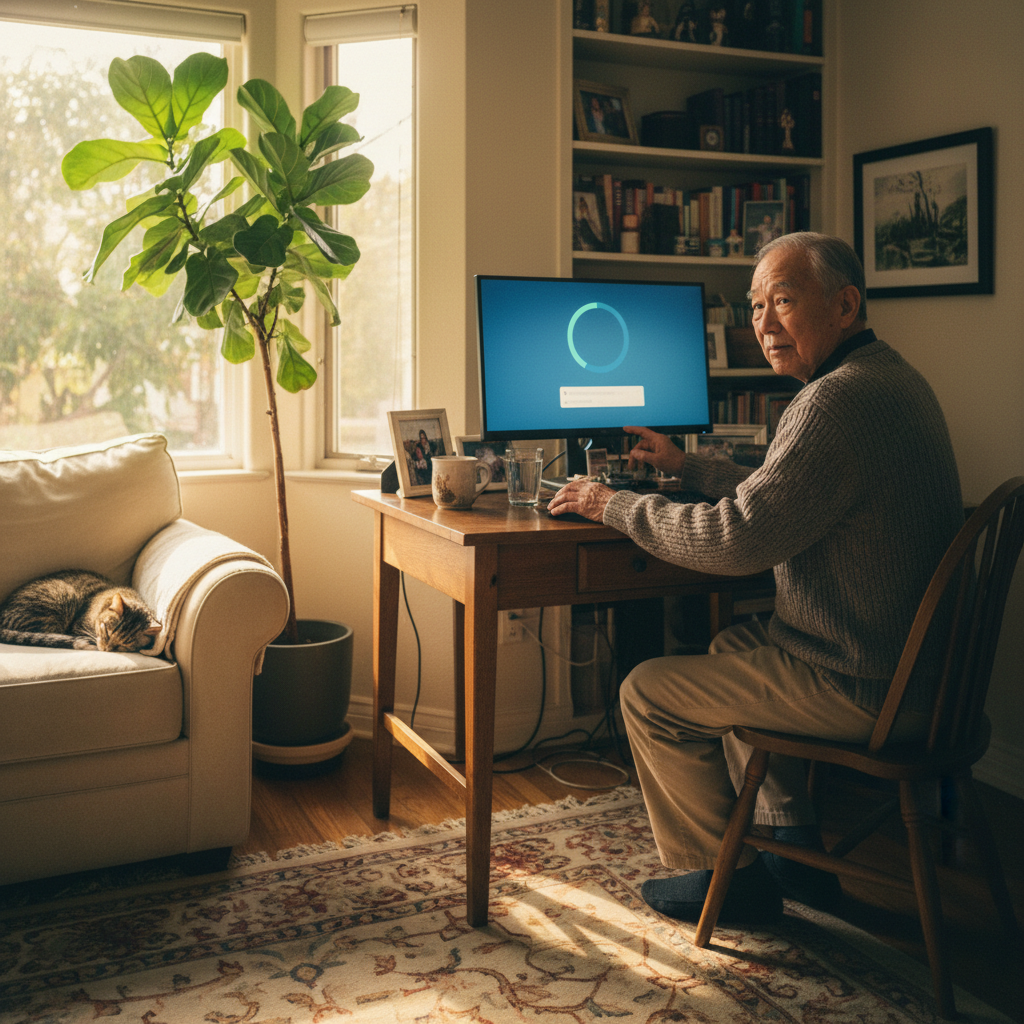
It’s a phone call many of us know well. Your parent calls, their voice filled with a mix of frustration and worry. A strange message has appeared on their computer screen, something about an “update,” and they are scared to click anything. They rely on their computer to stay connected with family, manage bills, or attend telehealth appointments, and the fear of breaking it is very real. For families across Los Angeles supporting elderly parents, these moments can be incredibly stressful for everyone involved.
You want to help, but explaining technical steps over the phone often leads to more confusion. If you’re feeling caught between wanting to ensure their computer is safe and not wanting to cause your parent anxiety, please know you are not alone. This is a common challenge, and it is entirely solvable. The key is to approach the issue with patience and find a support solution that builds confidence, rather than causing more fear.
Why Computer Updates Are Especially Hard for Seniors
For those who didn’t grow up with constantly evolving technology, a computer is a tool that should just work. The concept of regular, mandatory updates can feel disruptive and untrustworthy. What seems like a routine notification to us can be a source of genuine anxiety for an elderly parent.
Here’s a gentle look at why these updates are so confusing for seniors:
- Confusing Update Messages: The language used in update prompts is often technical and urgent. Phrases like “critical security patch” or “system vulnerability” can be frightening without context.
- Fear of “Breaking Something”: Many seniors have a deep-seated fear that one wrong click could delete their precious photos or lock them out of their accounts forever. An unexpected pop-up feels like a potential trap.
- Unexpected Restarts: An update that forces a computer to restart without warning can interrupt an email they are writing or a video call with a grandchild, causing confusion and frustration.
- Pop-ups and Warning Screens: With so many online scams, seniors are rightly taught to be wary of pop-ups. Official update notifications can look just like the dangerous alerts they have been warned to avoid.
- Changes to Familiar Layouts: After an update, a favourite application might look different, or an icon might move. These small changes can disrupt a comfortable routine and make the computer feel unfamiliar and difficult to use again.
Common Problems Elderly Users Face During Updates

When an update doesn’t go smoothly, the resulting problems can make a senior feel like they did something wrong. These issues are rarely their fault and are often just technical glitches that can happen to anyone.
Some realistic issues you might hear about include:
- Update Loops or Stuck Updates: The computer gets stuck on a screen that says “Updating…” for hours, with no clear end in sight.
- Computer Becoming Slow After Updates: After an update finishes, the computer suddenly feels sluggish and slow to respond, making it difficult to use.
- Error Messages They Don’t Understand: A box with a code like “0x80070002” appears, offering no helpful information on what to do next.
- Login or Password Issues After Updates: Sometimes, an update can cause problems with saved passwords or even the main login screen, preventing them from accessing their computer at all.
- Updates Interrupting Daily Use: The computer insists on updating at the most inconvenient times, interrupting their ability to check email or pay a bill online.
Risks of Ignoring or Mishandling Updates
While it’s tempting to just tell your parent to ignore the pop-ups to avoid stress, this can unfortunately lead to other problems down the line. It’s important to understand these risks calmly, without resorting to scare tactics.
- Security Vulnerabilities: Updates often contain crucial security patches that protect against viruses and scams. An un-updated computer is more vulnerable to online threats.
- Performance Issues: Over time, skipping updates can cause the computer to slow down as software becomes outdated and less efficient.
- Software Incompatibility: Eventually, an old operating system may no longer support the newest version of their web browser or other essential applications.
- Increased Frustration and Loss of Confidence: The more problems the computer has, the less confident your parent will feel using it. This can lead to them avoiding it altogether, cutting them off from a vital connection to the world.
What Families Can Safely Try First
Helping your parent manage their computer can be a bonding experience if approached with patience. Here are a few gentle things you can do to support them.
- Check Update Status Together: During a visit or a calm phone call, you can look at the update settings together. This shows them where the real notifications are, so they learn to recognise them.
- Schedule Updates at Convenient Times: Many computers allow you to schedule updates to run overnight. Setting this up can prevent updates from interrupting their daily activities.
- Write Down Simple Instructions: A small notebook with handwritten, simple steps for common tasks can be a huge comfort. For updates, it might just say, “If a box like this appears, it’s okay to click ‘Restart Tonight’.”
- Teach Them to Spot Fake Alerts: Show them what a real update notification looks like versus a scam pop-up in a web browser. A simple rule is: “If it’s in your browser, it’s not real. If it’s from the system settings, it’s probably okay.”
It’s best to avoid guiding them through advanced steps over the phone, as this can increase stress for both of you.
When Remote Home Tech Support Is the Best Option
There comes a point where trying to be the family IT expert does more harm than good. It can strain your relationship and put you in a position of responsibility you are not comfortable with. Choosing professional help is not giving up; it’s an act of care.
Professional support is the best option when:
- Seniors Shouldn’t Feel Pressured or Rushed: A patient, third-party expert can take the time to explain things without the emotional pressure that can exist within families.
- It Prevents Accidental System Damage: A professional knows how to handle updates that go wrong without risking data loss or causing bigger problems.
- It Reduces Stress for Both Parent and Child: It frees you from the role of tech support, allowing you to simply be their son or daughter. It frees them from feeling like a burden.
How Remote Home Tech Support Helps Seniors
Remote tech support is a game-changer for seniors and their families. It allows a friendly expert to securely access the computer (with full permission) and solve problems while your parent watches comfortably from their own home.
Here is how remote support can help with computer updates for seniors:
- Safely Managing System Updates: A technician can initiate, monitor, and complete all necessary updates, ensuring they are installed correctly.
- Explaining What’s Happening in Simple Language: Our technicians are trained to communicate calmly and clearly, turning a scary process into an understandable one.
- Fixing Update-Related Issues: If an update has caused the computer to slow down or show errors, we can troubleshoot and fix the root cause.
- Making Computers Easier and Safer to Use: We can also perform general check-ups, remove confusing applications, and ensure their security software is working, making their overall experience safer and more pleasant.
All of our support is provided remotely, so your parent never has to unplug anything or have a stranger visit their home.
Why Los Angeles Families Choose Remote Tech Support
For families spread across the vast Los Angeles area, remote support offers a practical and compassionate way to provide technical help for elderly parents.
- Help Without Travel or Appointments: You don’t have to drive across town after work to click a button. Help can be scheduled at a convenient time for your parent.
- Calm, Patient Guidance: Our technicians specialise in helping non-technical users. We treat every client with the respect and patience they deserve.
- Support for Seniors in Their Own Home: They remain in their comfortable, familiar environment while the computer is fixed right before their eyes.
- Peace of Mind for Family Members: You get the reassurance of knowing your parent’s computer is safe, secure, and running smoothly, without having to manage it yourself.
Help Your Parent Use Their Computer Without Stress
Your parent’s connection to the world is precious. If computer updates are a source of anxiety, you don’t have to solve it alone. Zircon Technovatives provides gentle, patient, and reliable remote tech support for seniors.
Get Remote Tech Support for Your Elderly Parent
Let us provide the calm expertise that helps your parent feel confident and secure with their technology.
Worried About Your Parent’s Computer Updates? Let’s Help
Frequently Asked Questions (FAQs)
1. Why do computer updates confuse elderly users?
Updates often use technical jargon, cause unexpected changes to the computer’s layout, and can be mistaken for viruses or scams, which is understandably confusing and frightening for many seniors.
2. Is it safe for seniors to ignore computer updates?
While it may seem easier to ignore them, updates contain vital security protections. Consistently ignoring them can leave a computer vulnerable to viruses and performance problems.
3. Can updates cause problems on older computers?
Yes, sometimes a new update can run slowly on older hardware. However, a professional can often adjust settings to improve performance after an update.
4. Can remote tech support help elderly parents safely?
Absolutely. Remote support is incredibly safe. The connection is secure, your parent grants access and can watch everything the technician does on their screen. It’s a transparent and respectful process.
5. How can I help my parent without being there in person?
Remote tech support is the perfect solution. You can help arrange the session, and a professional technician can then solve the problem directly on their computer, no matter where you are.
6. Are computer updates risky for seniors?
The updates themselves are not risky, but the process can be. The risk comes from clicking on fake update pop-ups or accidentally interrupting a real update, which can cause software issues. Professional help minimises this risk.
7. How long does remote update assistance usually take?
A typical session to manage and complete updates usually takes about an hour, depending on the number of updates and the speed of the internet connection.