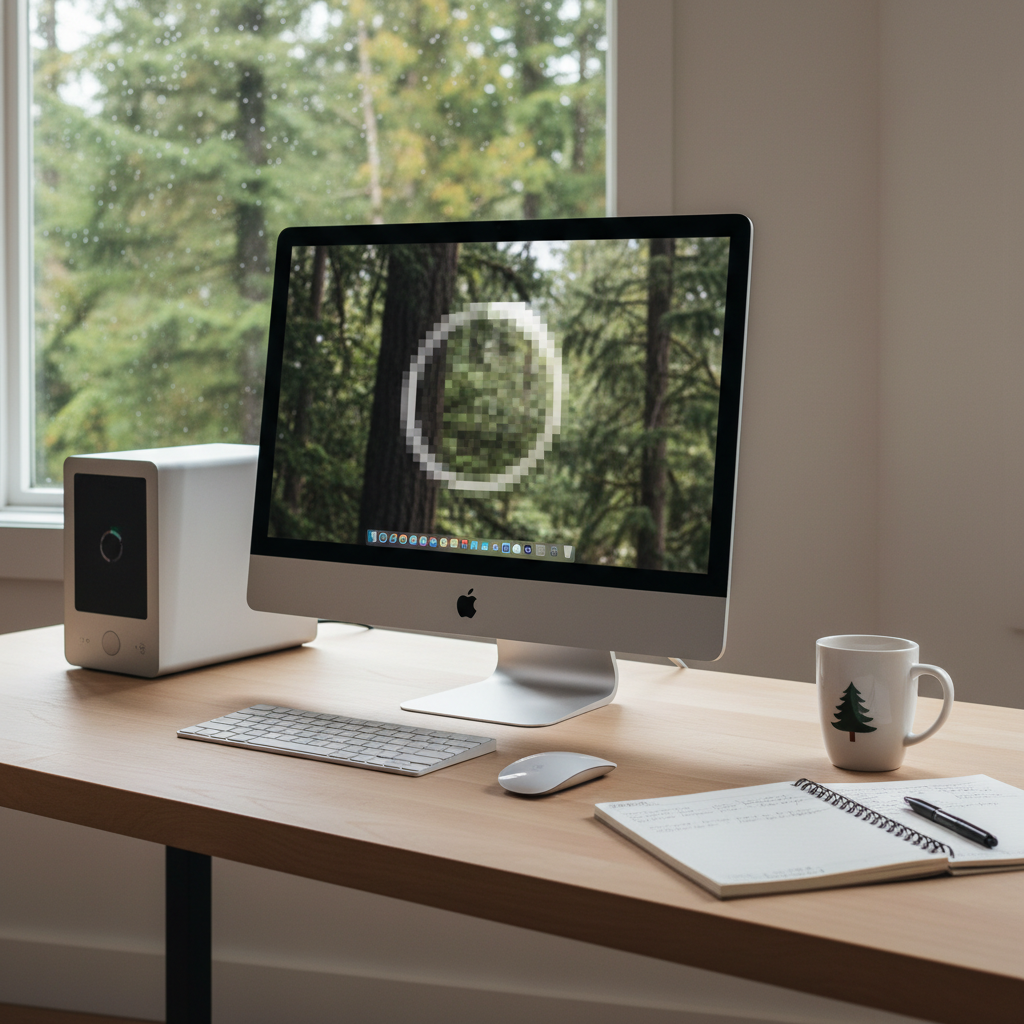
It is a grey, rainy morning in Seattle—perfect weather for staying inside and getting some work done on your Mac. You sit down with a fresh cup of coffee, ready to browse the web, edit some photos, or tackle an essay. But as soon as you log in, something feels wrong. The cursor drags across the screen. Applications bounce in the dock endlessly before opening. The dreaded spinning beachball of death appears and refuses to leave.
You recently installed the latest macOS update, expecting new features and better security. Instead, your once-zippy computer is now crawling at a glacial pace.
For home users across the Emerald City—from students at UW to remote workers in Ballard—a Mac running extremely slow after an update is a major disruption. You rely on your technology to connect with the world, and when it fails, it feels like you are cut off. The frustration is real, but here is the reassuring truth: this is a very common issue, and it rarely means your Mac is broken.

In most cases, post-update slowness is caused by software conflicts and system adjustments that can be resolved without you ever leaving your home. This guide will explain why your Mac is struggling, how remote tech support for Mac issues can help, and why Zircon Technovatives is the right choice for getting your digital life back up to speed.
Common Causes of Slow Mac Performance After Updates
When you update your operating system, you are essentially replacing the engine of your car while keeping the same chassis. It is a major change, and sometimes, the existing parts do not mesh perfectly with the new machinery immediately. If you are wondering why your Mac is running extremely slow after an update, it is likely due to one of the following reasons.
Spotlight Reindexing After Updates
This is the most common reason for temporary slowness immediately following an update. Spotlight is your Mac’s search engine. After a major update, macOS often needs to re-read and re-index every single file on your hard drive to ensure search works correctly.
This process is intensive. It consumes a significant amount of processor power and disk activity. While reindexing is happening, your Mac will feel sluggish, run hot, and the fans might spin loudly. For many users, this resolves itself after a few hours, but if the slowness persists for days, it indicates something else is wrong.
Outdated or Incompatible Apps
Developers update their applications to work with specific versions of macOS. If you have older apps installed that haven’t been updated in a while, they might struggle to run on the new system. These “legacy” apps can cause conflicts, memory leaks, or high CPU usage as they fight to function in an environment they were not built for. This is particularly common with older printer drivers or specialised software used by students and creative professionals in Seattle.
Background Processes Consuming Resources
Sometimes, an update resets certain preferences or triggers background maintenance tasks that get stuck. You might have a process running silently in the background—like a cloud syncing agent or a mail database update—that has encountered an error and is stuck in a loop. This “zombie” process eats up your system resources, leaving very little power for the tasks you actually want to do.
Insufficient Storage Space
macOS updates are large files. Downloading and installing them requires a lot of free space. If your hard drive was already nearly full, the update process might have pushed it to the limit. An operating system needs “breathing room”—usually at least 10–15% of your total storage—to function smoothly. If your drive is packed to the brim with photos, movies, and documents, the system has nowhere to swap data, resulting in severe slowdowns.
Corrupted System Files
Occasionally, the update process itself doesn’t go perfectly. A brief interruption in your internet connection or a power fluctuation can result in corrupted system files or permission errors. These tiny glitches can confuse the operating system, causing it to double-check information constantly, which manifests as lag and the spinning beachball.
How Remote Tech Support Can Help
When faced with a slow Mac, the traditional instinct might be to unplug everything, battle Seattle traffic, and haul your machine to a crowded genius bar or repair shop. But for software-related performance issues, this is often unnecessary.
Remote tech support for Mac issues is a faster, more convenient alternative. It allows a skilled technician to see exactly what you are seeing and fix the problem directly. Here is how we tackle the issue of a slow Mac remotely.
Comprehensive Remote Diagnosis
The first step is understanding why the Mac is slow. Using secure remote access tools, we can look “under the hood” of your system. We check the Activity Monitor to identify specific processes that are hogging your CPU or memory. We review system logs that you might not know how to interpret, looking for error messages that pinpoint the exact software conflict causing the slowdown.
Optimising System Settings
Sometimes, the new update turns on visual effects or features that are too demanding for slightly older hardware. We can adjust these settings to prioritise performance over aesthetics, giving your Mac a speed boost without sacrificing functionality. We can also manage your startup items, ensuring that only essential programmes launch when you turn on your computer.
resolving App Conflicts
If we identify an outdated app that is dragging your system down, we can help you update it, find a compatible alternative, or remove it entirely if it is no longer needed. We ensure that your software ecosystem is in harmony with your new operating system.
Clearing Storage and Caches
Over time, Macs accumulate “digital junk”—cache files, temporary logs, and leftover data from uninstalled apps. An update can sometimes bloat these files. We can perform a deep clean of your system storage, safely removing gigabytes of unnecessary data to give your Mac the breathing room it needs to run fast again.
Emphasising Convenience
The biggest advantage of online tech support for slow Mac performance is that you stay in control. You do not need to leave your home in Queen Anne or Capitol Hill. You do not need to disconnect cables or risk damaging your screen in transit. You simply log in, grant permission, and watch as we restore your computer’s speed.
Why Choose Zircon Technovatives for Remote Support
There are many IT companies out there, but Zircon Technovatives is built differently. We do not chase corporate contracts or manage massive enterprise servers. Our entire focus is on you: the home user.
We Are Mac Experts
We understand the Apple ecosystem inside and out. We know the specific quirks of macOS updates and the common pitfalls that home users face. Whether you have an older iMac or a brand-new MacBook Air, we have the expertise to diagnose its performance issues accurately.
Clear, Jargon-Free Communication
We know that tech speak can be intimidating. Our technicians are trained to explain what they are doing in plain English. We tell you what the problem is, how we are fixing it, and how you can prevent it from happening again. We are patient, friendly, and happy to answer any questions you have along the way.
Secure, Permission-Based Access
Your privacy is our priority. We use industry-standard encryption for all our remote sessions. We can only access your computer with your explicit permission, and you can see everything we do on your screen in real-time. You are never locked out of your own machine, and you can end the session instantly if you ever feel uncomfortable.
Dedicated to Seattle Home Users
We understand the needs of the Seattle community. From families needing a reliable computer for schoolwork to freelancers needing a fast machine for deadlines, we provide the home computer help in Seattle that keeps our neighbours connected and productive.
Frequently Asked Questions (FAQs)
1. Why is my Mac so slow after an update?
It is often a combination of Spotlight reindexing your files (which is temporary) and software conflicts with older apps or insufficient storage space. The new update places higher demands on your hardware, which can expose existing weaknesses in your system setup.
2. Can remote tech support fix slow Mac performance?
Yes, in the vast majority of cases. Since post-update slowness is almost always a software or configuration issue, a technician can diagnose and resolve it remotely by optimising settings, clearing caches, and fixing conflicts.
3. How long does it take to fix a slow Mac remotely?
A typical session to diagnose and speed up a slow Mac takes between 60 to 90 minutes. This allows us enough time to run deep scans, perform clean-up tasks, and ensure the system is stable.
4. Is remote support safe for my Mac?
Absolutely. We use secure, encrypted connections. You initiate the connection, and you must grant permission for us to control the mouse and keyboard. You can watch the entire process on your screen.
5. Do I need to prepare anything before a remote session?
Just ensure your Mac is turned on and connected to the internet. If you have a backup of your data (like Time Machine), that is always good practice, though we do not touch your personal files during a standard tune-up.
6. What if my Mac is too old to fix?
If your Mac is very old (typically over 8-10 years), the hardware may simply be unable to run the latest software efficiently. If we determine that software optimisation won’t solve the problem, we will be honest with you and advise you on whether an upgrade is necessary, rather than charging you for a fix that won’t work.
7. Will you delete my personal files to make space?
No. We only delete system cache files, temporary logs, and trash items. We never delete your photos, documents, or emails without your explicit instruction and permission.
8. Do you offer services for businesses?
No, Zircon Technovatives specialises exclusively in supporting home users. We are dedicated to helping individuals and families with their personal technology needs.
Mac Running Slow After an Update? Let’s Fix It Remotely.
You do not have to accept a sluggish computer as your new normal. If your Mac is testing your patience, let us help you get it back to peak performance.
Get Professional Remote Tech Support for Slow Mac Performance in Seattle.
Our friendly experts are ready to diagnose the issue and apply the right fixes, all while you relax at home.
Have a Slow Mac? Contact Us for Help Without Leaving Home.