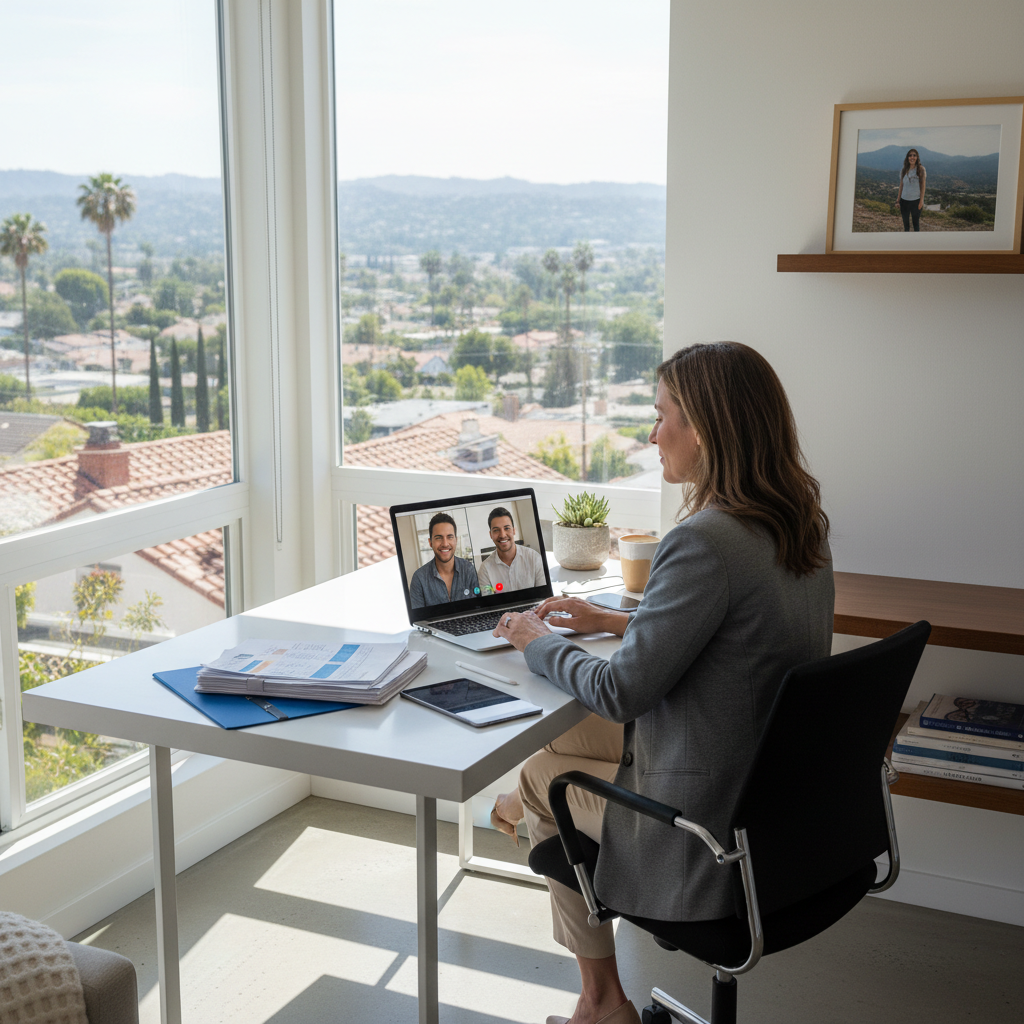
Your home office in Los Angeles isn’t just a place to answer emails; it’s the command center for your entire real estate business. From pulling comps in Silver Lake to coordinating a virtual closing for a property in Santa Monica, your technology has to work flawlessly. A frozen CRM, a choppy video tour, or a Wi-Fi dead zone can mean more than just a minor headache—it can lead to a lost lead, a delayed closing, or even a security breach that puts your clients’ sensitive data at risk.
For the modern real estate professional, a home office is a high-stakes environment. You’re juggling multiple platforms, handling confidential documents, and relying on a stable connection to keep deals moving. When your tech fails, your business stalls. This is where dedicated, remote tech support designed for the unique needs of home-based agents becomes not just a convenience, but a competitive necessity.
Your CRM Is Your Lifeline—Keep It Performing
As an agent, your CRM is the heart of your operation. It’s where you manage leads from Zillow, track client communications, and stay on top of your MLS listings. When it’s slow, buggy, or inaccessible, your productivity grinds to a halt.
Common CRM & MLS Headaches
Many agents experience frustrating issues like slow load times when accessing property data, glitches during data entry, or synchronization errors between their phone and laptop. These problems often stem from underlying issues with your home network, device configurations, or software conflicts—not necessarily the CRM platform itself.
The Value of Proactive Support
Instead of just reacting to a crash, professional remote support can proactively optimize your systems. This involves ensuring your computer is properly configured to run your specific real estate software, your network is prioritized for business-critical applications, and that your tools are updated and secure. The goal is to prevent problems before they can impact your workflow, ensuring you can access client information and property details the moment you need them.
Flawless Video Calls: The New Standard for Client Service
Virtual tours, client consultations, and even digital closings are now standard practice in the L.A. market. A pixelated video or a dropped call can reflect poorly on your professionalism and create friction in a process that demands trust and clarity.
Why Your Video Calls Are Unstable
The issue is rarely the video conferencing software itself. More often, it’s a result of an unstable home Wi-Fi network, insufficient internet bandwidth, or other devices on your network hogging resources. In a city like Los Angeles, with dense residential areas and varied internet infrastructure, ensuring a stable connection requires more than just calling your internet provider.
Creating a Professional Virtual Presence
Expert remote tech support can diagnose the root cause of your video call issues. Technicians can help you optimize your Wi-Fi signal, configure your router’s Quality of Service (QoS) settings to prioritize video traffic, and recommend hardware upgrades if necessary. This ensures you project a polished, reliable image to clients, whether you’re showing a condo in Downtown L.A. or negotiating terms with a buyer overseas.
Securing Your Digital Filing Cabinet
Real estate transactions involve an incredible amount of sensitive information: contracts, loan documents, identification, and financial statements. In a home office environment, protecting this data from cyber threats is entirely your responsibility. A data breach could have devastating consequences for your reputation and your clients.
The Risks of Unmanaged Home Networks
Standard, out-of-the-box home Wi-Fi setups are not designed for business-level security. They often lack robust firewalls, encryption protocols, and monitoring, making them vulnerable to intrusion. Using personal devices for work without proper security measures further increases the risk of malware or phishing attacks.
Implementing Business-Grade Security at Home
Securing your home office is a critical task that a professional IT partner can manage remotely. Companies like Zircon Technovatives specialize in deploying security solutions tailored for home-based professionals. This includes setting up a secure network, encrypting your devices, implementing secure practices for handling and transferring documents, and ensuring your e-signature process is protected. This focus on security gives you and your clients peace of mind.
Building a Foundation: Secure Wi-Fi and Remote Troubleshooting
The most effective approach to tech management is proactive, not reactive. Waiting for something to break is a recipe for stress and lost productivity. Remote support offers a way to maintain your systems and resolve issues efficiently without needing an in-person visit.
A specialist can remotely access your systems (with your permission) to troubleshoot problems, install updates, remove malware, and optimize performance. This remote capability means you get faster resolutions, allowing you to get back to what you do best: selling real estate. Investing in a professional tech support relationship ensures your home office technology is an asset that drives your business forward, rather than a liability holding it back. If your technology feels more like a daily obstacle than a helpful tool, it may be time to seek expert help.
Frequently Asked Questions (FAQs)
1. My CRM is always slow in the afternoon. What can I do?
This common issue can be caused by network congestion, background processes on your computer, or even your internet provider throttling speeds. A remote IT technician can analyze your system and network performance to identify the bottleneck and implement a solution, such as optimizing your browser, clearing your system’s cache, or adjusting network priorities.
2. How can I securely share sensitive documents like contracts with clients from my home?
Avoid using personal email for highly sensitive files. The best practice is to use a secure, encrypted file-sharing portal or a platform with built-in document security features. An IT support specialist can help you select and set up a user-friendly solution that protects client data and meets compliance standards.
3. My video freezes during virtual tours. How do I fix this for good?
Persistent freezing is often due to an unstable Wi-Fi connection or insufficient upload speed. A technician can remotely diagnose your network, optimize your router’s settings, and determine if your current internet plan is adequate for your business needs. In some cases, a simple hardware upgrade like a mesh Wi-Fi system can resolve coverage gaps.
4. What does remote IT support for a home office actually involve?
Remote support involves a technician securely connecting to your computer to diagnose and fix problems, install and configure software, run security scans, and optimize performance. It’s a highly efficient way to get expert help without scheduling an in-person visit, minimizing downtime for your business.