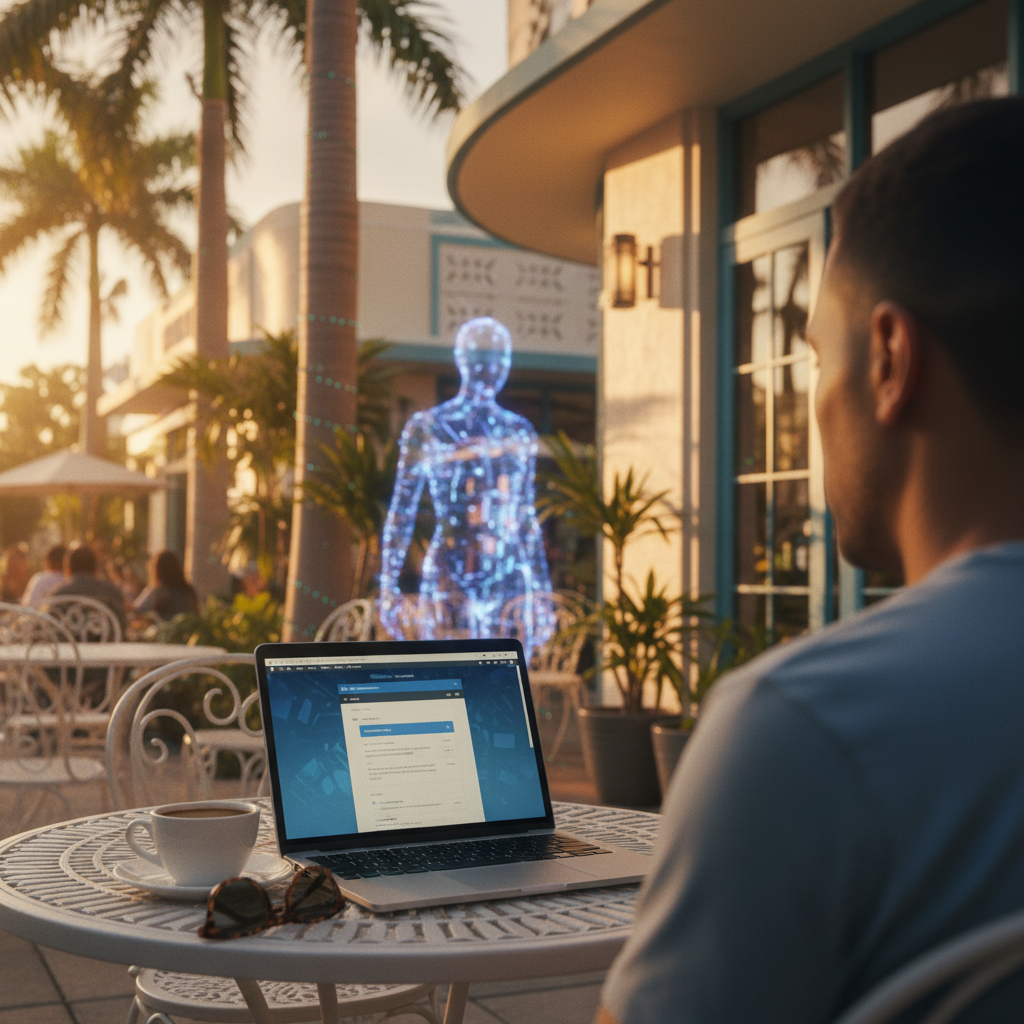
Imagine the scene: you’re at a beachside café in South Beach, laptop open, a warm breeze coming off the Atlantic. Or maybe you’re in a Tampa co-working space, a Jacksonville airport lounge, or a hotel patio in Key West. This is the Florida dream—the freedom to work from anywhere. But this incredible mobility comes with a hidden security risk that most people never consider.
The problem isn’t just about using public Wi-Fi. It’s about what you do after. Most of us don’t have a separate “travel laptop.” We take our main device—the one with our family photos, banking apps, and smart home controls—out into the wild. Then, we bring it home and reconnect it to our secure home network.
Think of that public Wi-Fi as a bridge. If that bridge is compromised, the threat doesn’t stay at the coffee shop. It follows your device home, creating an invisible link between the unsecured public world and your private digital life. In Florida, we work where we live—and we work everywhere. But your home security should never leave with you.
The Anatomy of a Public Wi-Fi Attack
Understanding the danger of public networks is the first step toward protecting yourself. Hackers use several common methods to exploit free Wi-Fi, and they are simpler to execute than you might think. Here’s how these attacks on public Wi-Fi security in Florida unfold.
Attack Vector 1: The Evil Twin
A hacker sits near a popular café and sets up a fake Wi-Fi network with a legitimate-sounding name, like “Cafe_Guest_WiFi” or “Free_Airport_Internet.” Your device, programmed to connect to familiar networks, might link to it automatically. The moment it does, all your internet traffic is routed through the attacker’s computer. They can see everything: the passwords you type, the financial accounts you access, and the contents of your emails.
Attack Vector 2: Packet Sniffing
On many open, unencrypted public networks, your data travels in plain text. Using free, widely available software, anyone on the same network can “sniff” these packets of data. They can capture your login credentials, website session cookies, and private messages as they move through the air. While modern websites using HTTPS provide a layer of protection, not all traffic is encrypted, and attackers can still see which websites you visit.
Attack Vector 3: Session Hijacking
Even on a legitimate network, a skilled attacker can intercept the active session cookies your browser uses to stay logged into websites. They don’t need your password; they just need to steal the digital token that proves you are “already logged in.” With this token, they can impersonate you on your social media, email, or financial accounts, giving them the power to drain crypto wallets or liquidate trading accounts.
Attack Vector 4: Shoulder Surfing & Physical Theft
Florida’s beautiful weather encourages outdoor seating, open-air cafes, and work in crowded tourist spots. This creates physical risks. An onlooker can easily watch you type a password, or a distracted moment can lead to a stolen laptop. These low-tech threats are just as dangerous as their digital counterparts.
The Home Device Contamination Cycle
This is where the real danger of home device exposure risks comes into play. It’s a cycle that turns a convenient work session into a potential household-wide security breach.
Here’s the hidden threat vector:
- You take your primary home laptop to a coffee shop.
- The laptop connects to an unsecured or compromised public network.
- Malware, a keylogger, or a remote access trojan (RAT) installs silently in the background. It does nothing to alert you.
- You return home and reconnect to your trusted home Wi-Fi.
Now, the infection is inside your digital fortress. The malware has access to everything on your network: your network-attached storage (NAS) drive with family backups, your smart TV, your shared printer, and even the computers of your spouse and children. Weeks or months later, you might notice strange activity, find yourself locked out of accounts, or worse. The breach didn’t happen at home; it was carried in through the front door.
This is a significant issue for Florida residents. Our state has a high population of remote workers, a large community of snowbirds traveling between states, and countless professionals in the tourism industry using personal devices for work. Your device doesn’t forget where it’s been. And neither do the threats it carries home.
The VPN Misconception
Many people believe they are safe because they use a Virtual Private Network (VPN). “I use a VPN, so I’m safe,” is a common, but dangerously incomplete, assumption.
A VPN for travelers is an essential tool, but it’s important to understand its limits.
What a VPN Does:
- It creates an encrypted tunnel for your internet traffic, preventing local network sniffing and evil twin attacks from stealing your credentials.
What a VPN Does Not Do:
- It does not stop you from downloading malware.
- It does not block phishing sites or malicious email attachments.
- It cannot protect your device if it has already been compromised.
- It does not prevent session hijacking once you’ve already authenticated to a site.
A VPN is a critical layer of security, but it is not a silver bullet. True remote work security requires a more comprehensive approach.
The Zircon Approach: Before, During, and After Travel
Protecting Florida’s Mobile Workforce—Wherever the Road Takes You
At Zircon Technovatives, we believe in proactive security. Our model is built around preparing your devices for the risks of travel and ensuring they are clean upon return. We provide Florida remote tech support that focuses on prevention, not panic.
Phase One: Pre-Travel Hardening
Before you even pack your bag, we perform a comprehensive device security audit. This includes full system updates, laptop hardening configurations, VPN setup with forced-on policies, browser security adjustments, and verification that your backups are sound. We help you prepare for the worst so you can travel with confidence.
Phase Two: Travel-Ready Configuration
While you’re on the move, we provide guidance on best practices. This can include setting up a “guest” user account on your laptop just for travel, offering physical security recommendations, and establishing clear protocols for what to do if a device is lost or stolen.
Phase Three: Post-Travel Sanitization
When you return, we perform a full post-travel sanitization. Our technicians run deep malware and rootkit scans, review system logs for unexpected network connections, and recommend rotating critical passwords. We give your device a clean bill of health before it rejoins your home network.
CRUCIAL DISCLAIMER: Zircon Technovatives provides scheduled, comprehensive remote security services by appointment. We don’t offer 24/7 emergency response, because our model focuses on preventing incidents before they occur. When you work with us, you’re building resilience—not waiting for a crisis.
Real Florida Scenarios
These risks aren’t theoretical. They affect Floridians every day.
Scenario A: The Miami Real Estate Agent
An agent uses her personal laptop at open houses, client meetings, and cafes across Dade County. She regularly connects to unknown networks, putting sensitive client financial data at risk of exposure and making her a prime target for wire fraud.
Scenario B: The Tampa Snowbird
A seasonal resident splits his time between Florida and the Northeast. His laptop connects to home networks in two different states, plus countless hotel and airport networks in between. This constant travel creates a high risk of cross-contamination, where a threat picked up in one location may not be detected for months.
Scenario C: The Orlando Consultant
A consultant works from theme park hotels, airport lounges, and co-working spaces while managing high-profile corporate client projects on his personal device. A single breach on a public network could lead to a massive corporate data leak and devastating career consequences.
Your First Step to Safer Travel: The Returning Traveler Device Audit
Don’t wait for a security incident to find out your device was compromised. If you are a frequent traveler, seasonal resident, or remote professional in Florida, take the first step toward peace of mind.
Our “30-Minute Post-Travel Security Check” is a remote assessment of your primary device after a trip. We identify hidden connections, unauthorized profiles, and potential exposures you can’t see. You’ll receive a clear report detailing our findings: either a clean bill of health or a practical roadmap for remediation.
Protect the bridge between your public and private digital lives.
For those who want to get ahead of the threat, ask about our Pre-Travel Hardening Session.