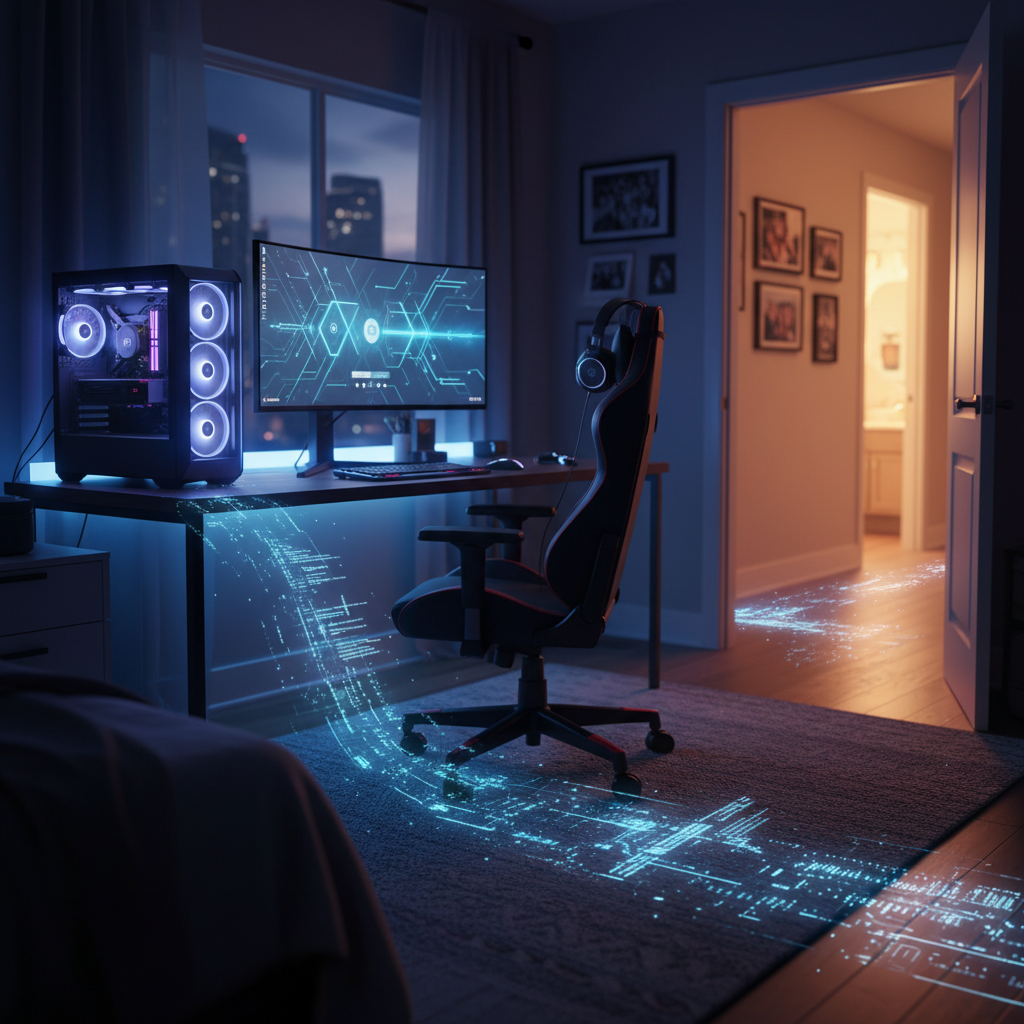
You’ve seen the moment. You buy your child their first real gaming computer. The case glows with customizable RGB lighting. The graphics card is powerful enough to run the latest simulation engines. It is an investment in their happiness, their creativity, and perhaps even a future career in STEM or design.
But there is an unspoken truth about that sleek tower humming in the bedroom. That same machine—often the most powerful computer in the house—is also the most exposed, casually managed, and targeted device on your home network.
You locked your front door. You installed security cameras. You might even have a secure VPN for your work laptop. But you likely didn’t realize the high-performance gaming rig in your teenager’s bedroom is a wide-open window. This article explores the gaming PC security threat landscape and how you can close that window without taking away the fun.
The Gaming Threat Landscape: What Parents Don’t See
To protect your home, you need to understand exactly what you are protecting against. It’s rarely a targeted attack by a shadowy figure in a hoodie. Instead, the threat comes from the ecosystem of modern gaming itself.
Threat Category 1: The Mod Menace
Mods (modifications) are custom content created by third parties to alter games—new characters, better graphics, or entirely new levels. They are a massive part of PC gaming culture. However, mod installers and “mod managers” are frequent vehicles for gaming mods virus danger.
For example, popular games like Minecraft or Roblox have massive modding communities. Attackers often bundle cryptocurrency miners into these installers. Once installed, these miners run silently in the background, degrading performance and driving up your electricity bill. Worse, some “free” cheat software for competitive games includes keyloggers designed to steal gaming accounts—and any other credentials typed on that keyboard.
Threat Category 2: The Discord Danger
Discord is the social hub of modern gaming. It is where teams coordinate and friends chat. However, it is also a place where children click links from strangers in direct messages or join servers hosting malicious files.
Young gamers often download “verification tools” to join exclusive groups, unaware that these tools are actually Remote Access Trojans (RATs). Because parents rarely monitor Discord text chats (assuming it’s just voice chat), this vector remains largely invisible until it is too late.
Threat Category 3: The Anti-Virus Paradox
Here is a common scenario: A game runs slowly, or a mod fails to load. The gaming community’s advice? “Turn off your antivirus.”
Gamers frequently disable security software because it interferes with performance or triggers false positives on mod files. Many forums actively advise permanently disabling Windows Defender. The result is a high-value, high-power device running 24/7 without active protection.
Threat Category 4: The Microphone & Camera Exposure
Gaming PCs are communication hubs equipped with high-quality microphones and webcams. If a device is compromised by a RAT, it becomes an always-on listening device in your child’s bedroom. This risks family privacy, but also captures background audio—business calls, personal conversations, and sensitive household information.
Threat Category 5: The Credential Reuse Trap
Children often use the same password for their Steam or Epic Games account as they do for their school portal. Unfortunately, they often use that same password for family streaming services or Amazon accounts they have access to. Gaming account breaches are common, and they often serve as the first domino in a credential stuffing attack on more valuable targets.
The Network Contamination Scenario
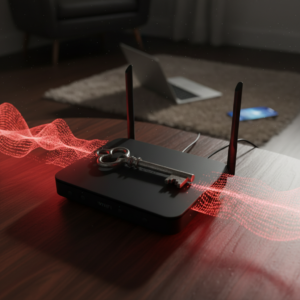
The real danger isn’t just that the gaming PC gets a virus. It is the child’s computer malware risk spreading to the rest of the house.
Consider this infection chain:
- The Entry: Your child searches for a “free in-game currency generator” or a specific game cheat. They download an executable file disguised as a tool.
- The Silence: It installs silently. There are no pop-ups. The game still works.
- The Spread: The malware establishes persistence and begins scanning the local network (LAN).
- The Breach: It discovers your unmapped network drive, your work laptop sharing the same Wi-Fi, or the credentials for your smart home system.
Weeks later, you notice unexplained banking activity or strange behavior from your smart home devices. Your child didn’t mean to invite a stranger into your home. But that stranger entered anyway—through the door your child left unlocked.
The “But My Kid Is Smart” Gap
When we discuss these risks, parents often have a defensive reaction: “My child is tech-savvy. They wouldn’t fall for that.”
The reality is that tech-savvy teenagers are often more confident and less cautious. They navigate “trusted” gaming communities that regularly distribute malware unknowingly. Traditional antivirus catches known threats, but it often misses zero-day malware hidden in a brand-new mod released an hour ago.
Your child isn’t careless. They’re just not defending against threats they can’t see. Most adult professionals can’t either—that’s why specialized security exists.
The Zircon Solution: Containment, Not Confiscation
At Zircon Technovatives, our philosophy is simple: Protecting Your Family and Your Network—Without Taking Away the Games. Parents don’t want to punish their children for gaming; they want to facilitate the hobby safely.
We use a three-pillar approach to secure your home.
Pillar One: Network Segmentation (The Firewall)
The most critical step is home network segmentation for gamers. Your child’s gaming PC should not live on the same network layer as your financial devices or work computers.
- What we do: We remotely configure VLANs (Virtual Local Area Networks) or guest network isolation specific to gaming devices.
- The Benefit: Even if the gaming PC is compromised, the infection is trapped. It cannot “jump” to your banking laptop. Plus, this often improves gaming performance by giving the console its own dedicated traffic lane.
Pillar Two: Device Hardening (The Armor)
We implement remote PC hardening for families that enhances security without sacrificing frame rates.
- What we do: We create separate user accounts for gaming versus schoolwork, configure application whitelisting, and set up ad-blocking DNS at the router level to block malicious sites before they even load. We also ensure built-in Windows protections are active and tamper-proof.
Pillar Three: Parental Visibility (The Window)
This isn’t about surveillance; it’s about awareness.
- What we do: We set up non-invasive reporting on new software installations and provide parent education on what to look for. We help you establish a family security plan that respects both safety and privacy.
CRUCIAL DISCLAIMER: Zircon Technovatives provides scheduled, comprehensive remote security services by appointment. We do not offer 24/7 emergency response or real-time monitoring. Our philosophy is to build the fence at the top of the cliff, not the ambulance at the bottom. We help you create a self-sustaining secure environment that protects your family around the clock.
The Conversation Starter: How to Talk to Your Child About Gaming Security
Approaching this topic requires empathy. Do not accuse your child of doing something wrong or frame security as a punishment. Instead, present it as protection for their hard work. Account theft is devastating to young gamers who have spent hundreds of hours unlocking achievements.
Your Next Step: The Family Network & Gaming PC Audit
Don’t wait for a cheat software security risk to compromise your bank account. Take action today to secure your digital home.
We offer a 30-Minute Family Network Risk Assessment. In this remote review, we analyze your current network configuration, identify which devices are sharing segments with gaming systems, and provide specific recommendations for isolation and hardening.
For households that already have network segmentation in place, ask about our standalone Gaming PC Hardening Session.
FAQs
Q: Will securing the gaming PC make games run slower?
A: No. Our configurations are specifically designed to maintain or even improve gaming performance by reducing unnecessary background processes and optimizing network traffic.
Q: My child is a teenager—won’t they just bypass parental controls?
A: We don’t rely on restrictive parental controls that encourage rebellion. We focus on network segmentation and device hardening. These are infrastructure-level changes that teenagers can’t bypass because they don’t impact the gaming experience itself.
Q: Do you need access to my child’s accounts or personal conversations?
A: Absolutely not. We do not monitor, log, or review personal content. Our work is purely technical—network configuration, device security settings, and performance optimization.
Q: What if my child’s PC is already infected?
A: Our audit will identify signs of active compromise. If we detect an infection, we provide a clear remediation roadmap. We do not charge for the initial assessment, and remediation is a separate, quoted service.