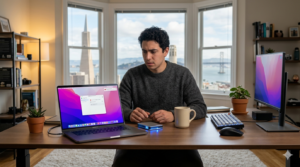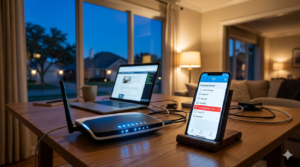

Pop-up messages appearing nonstop on your home computer can be frustrating and worrying. Many home users in Los Angeles experience sudden pop-ups claiming their system is infected, urging them to click a button or call a number. In most cases, these warnings are not legitimate system alerts.
Why pop-ups suddenly appear on home computers
Pop-ups often come from malicious browser extensions, unsafe downloads, or websites that were accidentally allowed to send notifications. Even a single click on an unknown link can trigger repeated alerts.
Are all pop-ups a virus?
Not always. Some pop-ups are aggressive ads, while others are signs of malware. The problem is that both can look similar, which makes it difficult for home users to know what to trust.
Common mistakes that make the problem worse
Many users try installing multiple free tools or clicking “remove now” buttons inside pop-ups. This can unintentionally install more unwanted software or compromise personal data.
Why antivirus software may not stop pop-ups
Antivirus programs focus on known threats. New or disguised programs may bypass them, especially when the issue is browser-related rather than system-wide.
How remote home tech support can help
Remote home tech support allows professionals to safely inspect your system, browser settings, and installed programs. Issues can often be identified and resolved without needing a physical visit.
When should you seek professional help?
If pop-ups keep returning, your browser opens on its own, or your computer slows down noticeably, it’s a sign the issue needs proper diagnosis.
If you’re unsure what’s causing the problem, remote home tech support can be a practical option to restore your computer safely and prevent future issues.
Talk to a remote tech support specialist to check your computer and avoid further issues.