
PC Keeps Freezing After Windows Update in San Francisco – What to Do
There are few technology problems more alarming than a computer that suddenly freezes. One moment you are replying to an email or browsing online, and the next, everything stops. The mouse pointer is stuck, the keyboard is unresponsive, and the screen is a frozen snapshot in time. When this starts happening right after a Windows […]
Is It Safe to Allow Remote Access to Fix My Computer?

The moment usually comes when you are already frustrated. Your computer is running slowly, the printer won’t connect, or an error message keeps popping up. You call for help, and the technician on the other end of the line asks a simple question: “Can I connect remotely to take a look?” For many home users, […]
Laptop Fan Is Always Loud in San Jose – Is Your Computer Overheating?
You are sitting in your quiet home in San Jose, maybe enjoying the view from your window, when you notice a persistent noise. It is not the traffic outside or a neighbour’s lawnmower; it is coming from your laptop. The fan, which used to be a gentle whisper, now sounds like a miniature jet engine […]
Can Remote Tech Support Really Fix Home Computer Problems?
It is a question we hear often, and frankly, it is a very reasonable one to ask. You are sitting at home with a computer that is running slowly, throwing up error messages, or refusing to connect to the printer. The idea that someone sitting miles away—perhaps even in a different city—can reach through the […]
Troubleshooting Second Monitor Detection Issues on Dallas Home PCs
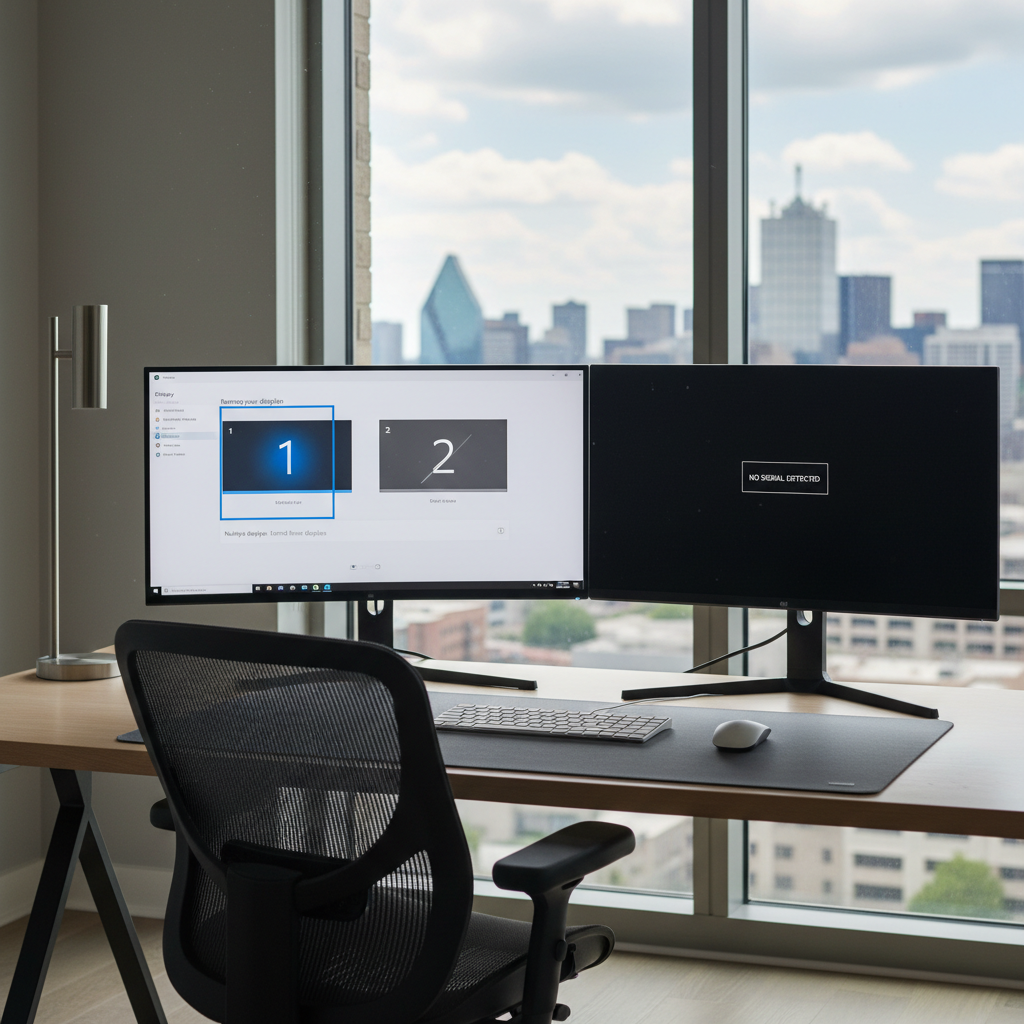
There is nothing quite like the productivity boost of a dual-monitor setup. Whether you are a remote worker managing spreadsheets, a student researching for a term paper, or a gamer looking for an immersive experience, having that second screen transforms how you use your computer. But when you plug everything in and that second monitor […]
Printer Shows Offline Even When It’s On in San Jose
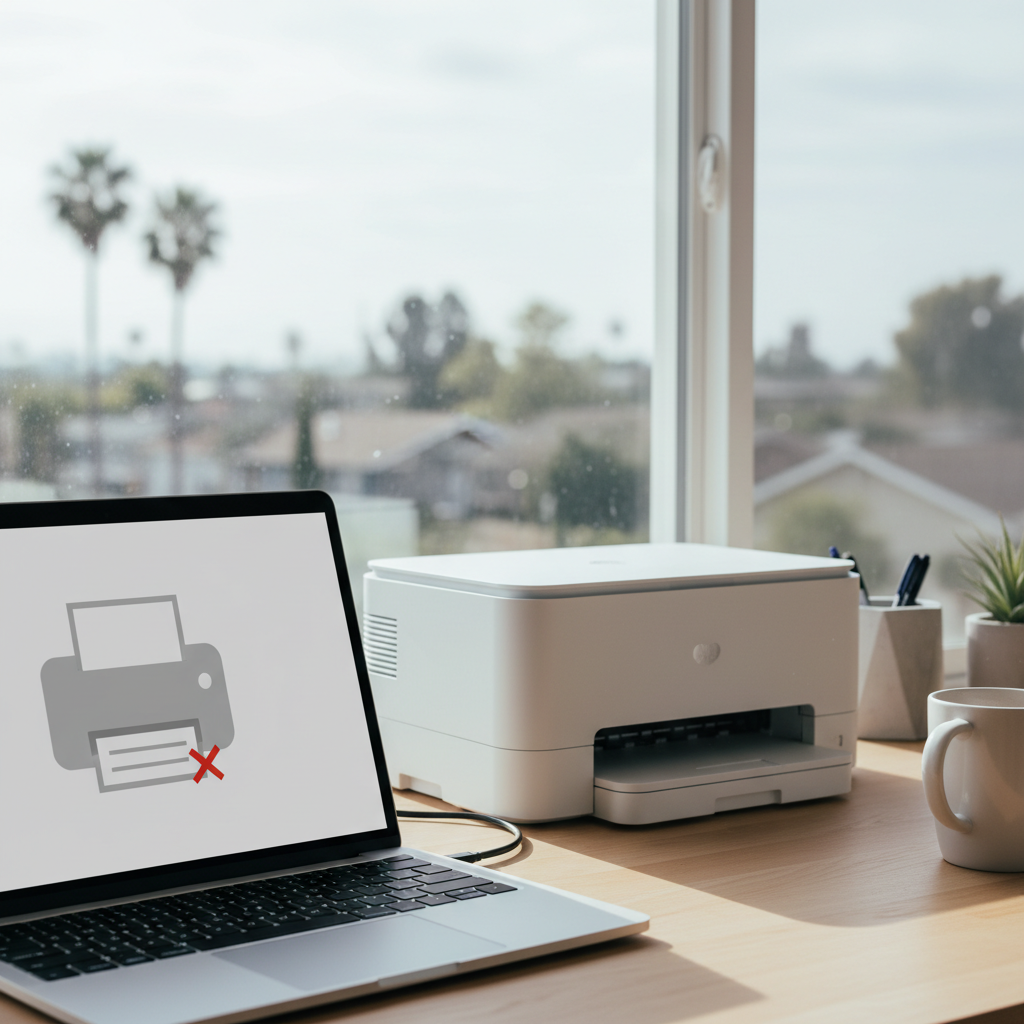
There are few tech frustrations quite as specific as needing to print something important, only to be met with that baffling “Printer Offline” message. You can see the printer. It’s on, lights are blinking, and it seems perfectly ready for action. Yet, your computer insists it’s unavailable. It’s a common headache for many home users […]
New Laptop Setup Gone Wrong in Los Angeles – Common Mistakes and How to Fix Them
That new laptop feeling is unmatched. You unbox it, admire the sleek design, and anticipate all the amazing things you’ll do. Whether it’s for work, keeping up with school in Los Angeles, or simply connecting with family, a new device promises a fresh start. But sometimes, that excitement quickly turns to frustration. Things don’t look […]
Software Worked Yesterday but Not Today in Houston – What Changed?
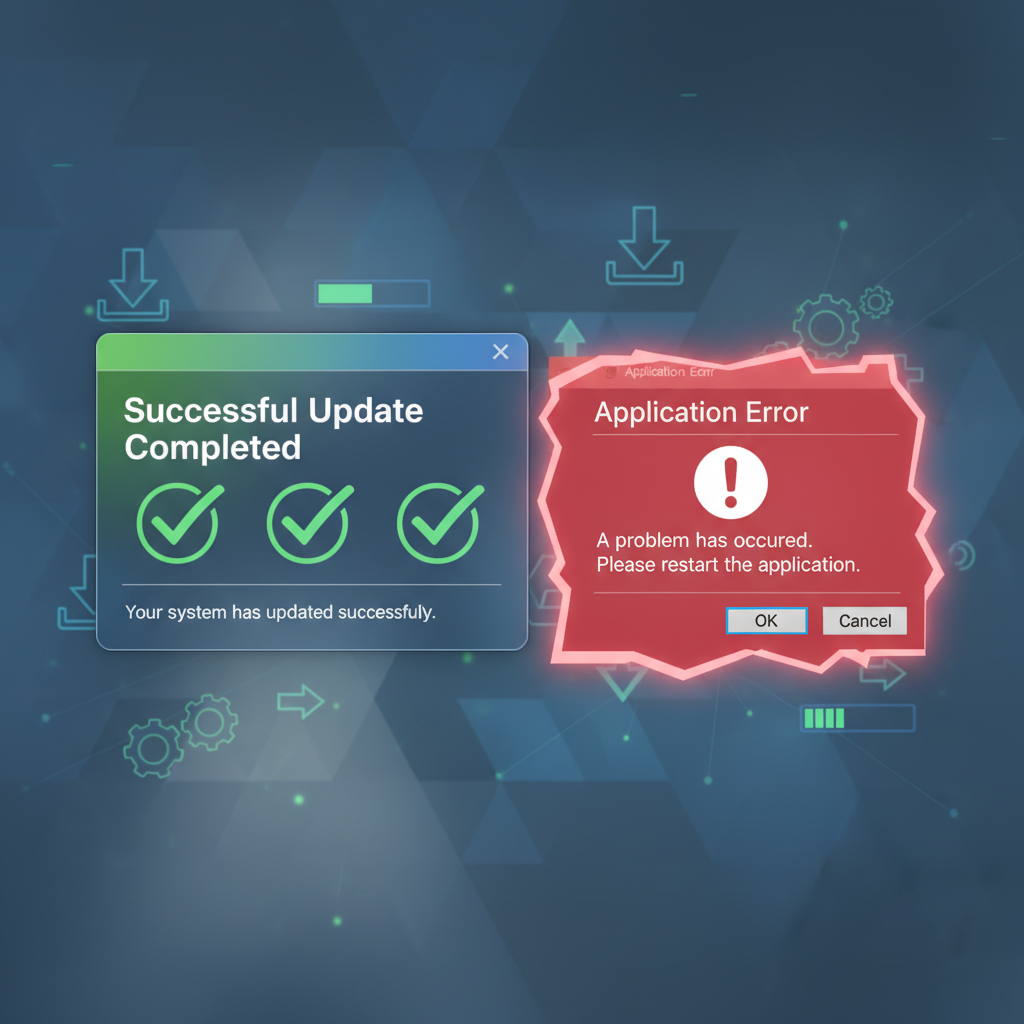
It is the most baffling feeling in the world. You are sitting in your home office in the Heights, or maybe you are at your kitchen table in Sugar Land trying to finish a school project. You double-click the same icon you use every single day—Microsoft Word, Adobe Reader, or your favorite photo editor. Yesterday, […]
External Hard Drive Not Showing on Home Computer in Seattle – What to Do Next
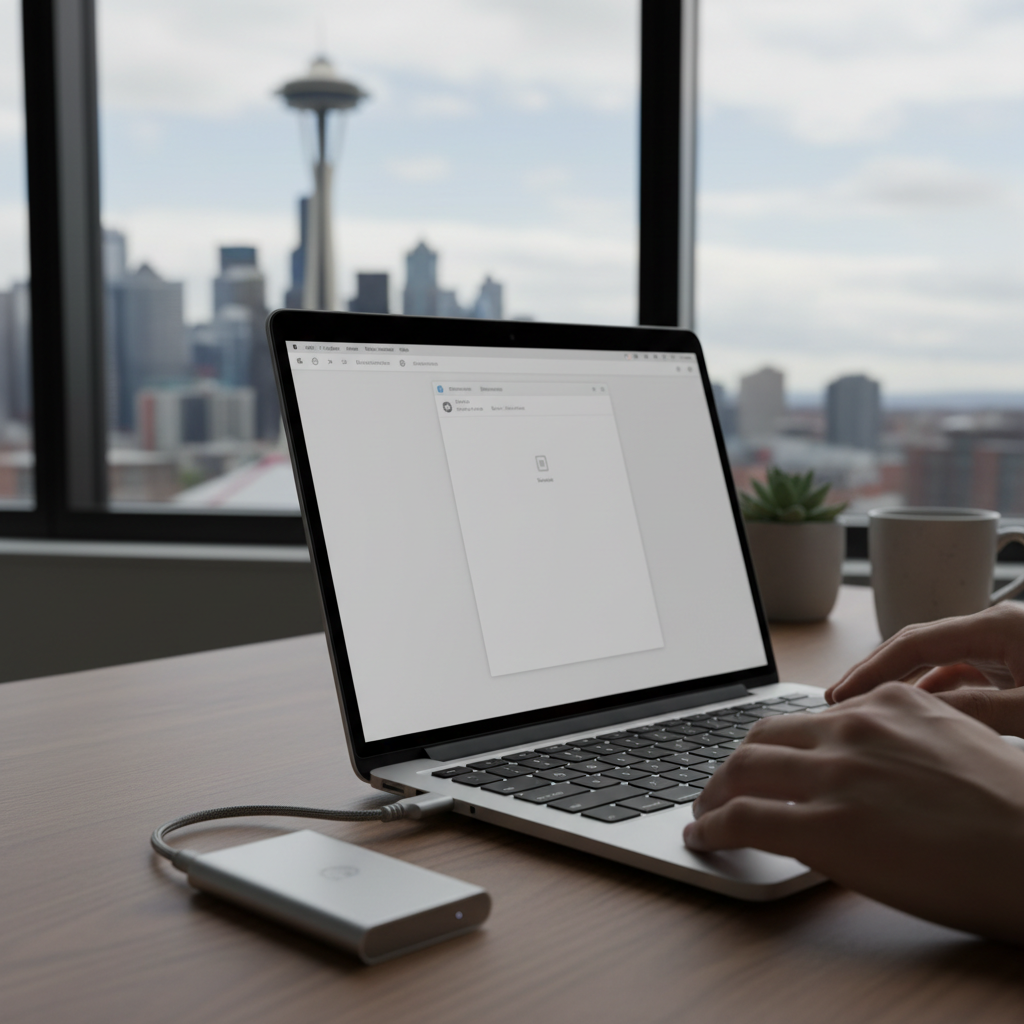
That sudden feeling of dread is unmistakable. You plug in your external hard drive, expecting to access your precious photos, important work files, or backups, but… nothing happens. The drive, which holds countless memories or critical documents, simply doesn’t appear on your computer. For many home users in Seattle, this is a heart-stopping moment that […]
Zoom or Video Calls Not Working on Home PC in Dallas – How to Fix It

You’re five minutes away from an important client presentation, a virtual doctor’s appointment, or your child’s online class. You click the “Join Meeting” button, but nothing happens. Or worse, you get in, but the screen is black, or no one can hear you speak. For home users across Dallas—from Uptown apartments to family homes in […]