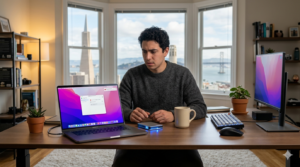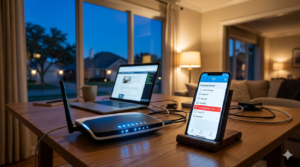
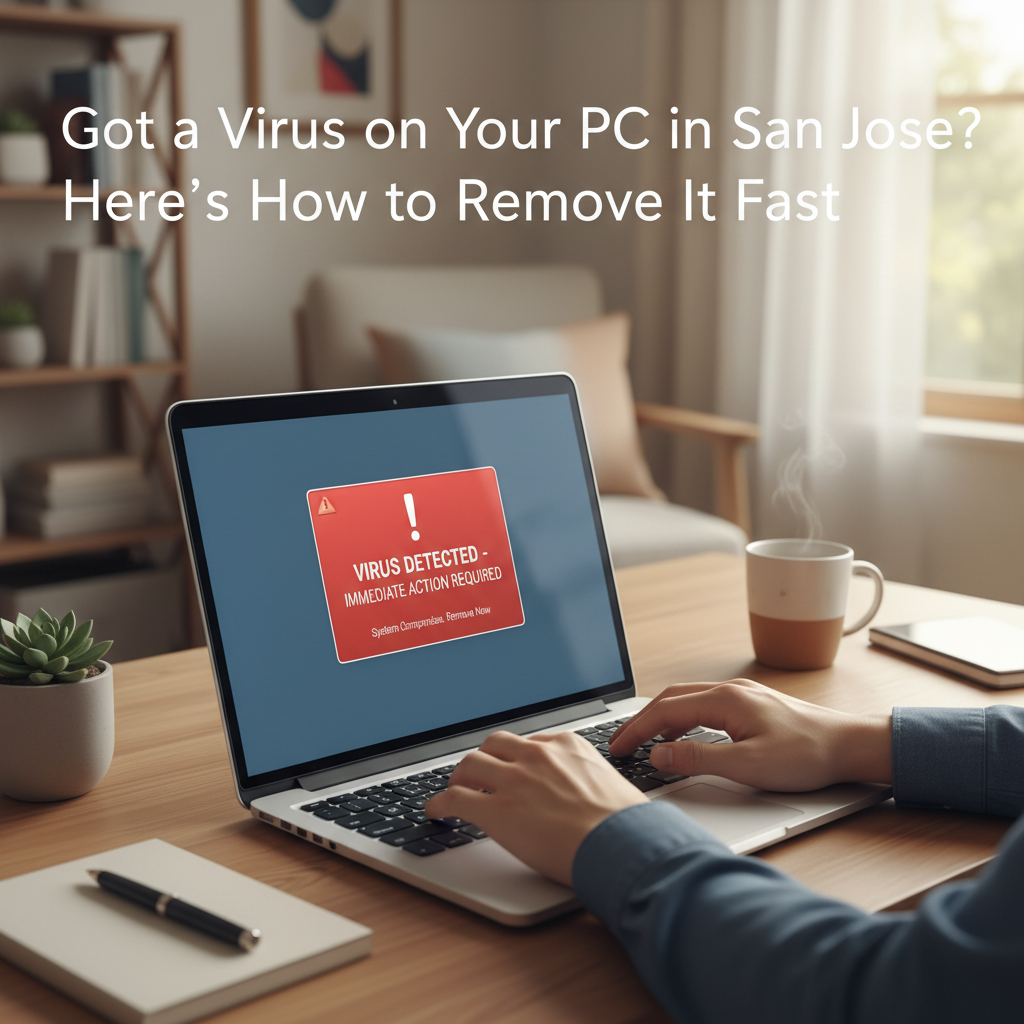
You sit down with your morning coffee, ready to tackle a few remote work tasks or catch up on emails. Suddenly, your computer slows to an absolute crawl. Strange pop-ups fill the screen, flashing urgent warnings that your system is compromised. Panic sets in as you wonder if your personal files, family photos, or financial data are at risk. If you are experiencing this exact scenario, finding reliable virus removal San Jose residents can trust becomes an immediate priority.
Computer viruses and malware are incredibly frustrating, especially when your PC is the central hub for your family’s daily activities. Whether you are a senior trying to stay connected with grandchildren, a busy parent managing household finances, or a professional working from home, a compromised computer halts your life. It feels invasive and stressful.
Fortunately, fixing a corrupted computer does not require hauling your heavy desktop to a big-box retail store or waiting weeks for a repair. By understanding how these malicious programs operate and knowing exactly what steps to take, you can regain control of your digital life. This guide covers why computers get infected, the primary red flags to watch for, and how you can resolve these issues quickly from the comfort of your living room.
Why Your PC Gets Infected
Malware—a catch-all term for malicious software including viruses, spyware, and ransomware—is designed to infiltrate your computer without your consent. Cybercriminals constantly develop new methods to trick users into downloading these harmful files.
Often, infections happen through entirely innocent actions. You might open an email attachment that looks like a legitimate invoice from a familiar company. Sometimes, visiting a compromised website or clicking a deceptive advertisement is enough to trigger a silent download in the background. Even downloading free software from unverified sources can introduce hidden threats to your system.
If you are dealing with malware San Jose home networks are just as vulnerable as massive corporate servers. Hackers often target residential users because home networks typically lack enterprise-level security firewalls. Understanding that an infection is rarely your fault is the first step toward resolving the issue calmly and effectively.
Signs and Symptoms of an Infection
Detecting a virus early can prevent significant data loss and protect your privacy. Watch out for these five common warning signs that indicate your PC needs professional attention:
- Unexpected Pop-Up Windows: If you see a sudden flood of advertisements or warnings claiming your computer is infected, close them immediately. These are often scareware tactics designed to trick you into downloading more malware.
- Severe Performance Drop: A computer that suddenly takes ages to start up, open basic applications, or connect to the internet is a major red flag. Viruses consume massive amounts of processing power to run their hidden tasks.
- Disabled Security Software: Many modern viruses are programmed to turn off your antivirus software or firewall automatically. If you notice your security programs are disabled and you cannot turn them back on, an infection is highly likely.
- Unfamiliar Programs or Toolbars: If new icons appear on your desktop or your web browser suddenly has a new toolbar or default search engine that you did not install, malicious software has likely hijacked your system.
- Frequent System Crashes: Random freezing, restarting, or the dreaded “Blue Screen of Death” often point to a virus interfering with your computer’s core operating files.
What You Should Do (And What to Avoid)
When you suspect your computer is infected, your immediate actions determine how much damage the virus can do.
First, disconnect your computer from the internet. Turn off your Wi-Fi or unplug the Ethernet cable. This prevents the virus from transmitting your personal data to a remote hacker and stops it from downloading additional harmful files. Next, back up your most critical files to an external USB drive if your computer is still functional enough to do so.
There are also several critical mistakes you must avoid. Do not click on any suspicious pop-ups, even if they feature an “X” or a “Close” button. Hackers frequently disguise download links as closing buttons. Instead, close the entire browser window using your keyboard shortcuts (like Alt + F4 on a Windows PC). Additionally, do not attempt to buy random software that promises a quick PC virus fix San Jose CA users often waste money on fake antivirus programs that actually make the problem worse.
How Zircon Technovatives Can Help
When you need a secure, permanent solution, Zircon Technovatives is here to assist. We specialize in comprehensive remote virus removal, meaning we fix your computer issues over the internet without ever needing to step foot inside your home.
You do not have to unplug your machine, drive through Bay Area traffic, or wait in line at a repair shop. Our certified technicians connect to your PC securely and handle the entire cleanup process while you watch. We remove stubborn malware, optimize your system performance, and ensure your personal data remains safe. Because we focus exclusively on remote tech support, you get fast, friendly, and reliable assistance tailored to your specific needs.
We understand that dealing with tech issues is stressful, which is why we take a patient, knowledgeable approach. We explain exactly what we are doing in plain English, ensuring you feel comfortable and secure every step of the way.
Frequently Asked Questions
Can a virus be removed remotely?
Yes, absolutely. As long as your computer can turn on and connect to the internet, our technicians can securely access your system to locate and eradicate viruses, malware, and spyware. Remote removal is just as effective as in-person repairs, but much more convenient.
Will I lose my files during the virus removal process?
In most cases, your personal files like photos, documents, and emails are perfectly safe. Our technicians prioritize data preservation during the cleaning process. However, some aggressive viruses do corrupt files, which is why regular backups are always recommended.
How long does it take to clean an infected computer?
The timeline depends on the severity of the infection and the speed of your computer. Most remote virus removal sessions take between one to three hours. We handle the heavy lifting so you can step away and relax while your system is restored.
Securing Your Digital Space
A computer virus does not have to ruin your week. By learning to recognize the early warning signs of malware and knowing exactly what actions to avoid, you protect your personal information from cyber threats. When an infection does slip through the cracks, securing professional, remote assistance is the fastest way to get your PC back to normal.
If your computer is acting strangely, do not wait for the problem to escalate. Reach out to Zircon Technovatives today to get your system thoroughly cleaned and protected. Start a chat with us online right now to speak with a friendly technician, or request your free IT audit to uncover and resolve any hidden security risks on your home network.