
Good IT support for real estate brokerages starts with one fact: a real estate deal runs on technology. Listings, showings, offers, disclosures and closings all move through laptops, phones, email and e-signature tools. When one of those breaks at the wrong moment, a deadline slips and a client notices.
Most brokerages don’t have an in-house IT person, so IT support for real estate brokerages often falls to the broker or office manager, who ends up handling password resets, printer problems and new-agent setups between their real work. This checklist shows how to set up a brokerage office so technology stays out of the way, and where remote IT support fits in.
1. Standardize agent laptops and phones
Agents often bring their own devices, each set up differently. That makes every problem a new puzzle. Agree on a simple baseline for every device that touches client files:
- A supported, up-to-date operating system (Windows 11 or a current macOS)
- Automatic updates turned on
- Built-in antivirus active, plus disk encryption (BitLocker on Windows, FileVault on Mac)
- A screen lock on laptops and phones
- The same core apps installed: email, office suite, e-signature, and your CRM or transaction platform
2. Use business accounts, not personal ones
When an agent runs client email through a personal Gmail or Yahoo account, the brokerage loses control of that data the day they leave. Give every agent a business email address on your domain through Microsoft 365 or Google Workspace. You keep the mailbox, the contacts and the history.
Turn on multi-factor authentication (MFA) for every account. It is the single most effective step against stolen passwords.
3. Organize shared files in one place
Listing photos, contracts and disclosures shouldn’t live on individual desktops or USB drives. Set up shared folders in OneDrive, SharePoint or Google Drive with a clear structure, for example by year, then by property address. Give agents access only to the folders they need.
4. Protect closings from wire fraud
Real estate is a top target for email scams, especially fake wiring instructions sent from lookalike email addresses. Build these habits into the office:
- Never send or change wiring instructions by email alone
- Confirm any payment change by phone, using a number you already have on file
- Train agents to check the sender’s full email address, not just the display name
- Report suspicious messages to the broker right away, and report any wire fraud to the FBI at IC3.gov
5. Get the e-signature workflow right
Whether you use DocuSign, Dotloop, Authentisign or another tool, make sure every agent is on the brokerage’s account, templates are shared, and signed documents are saved to the shared folder automatically. Mixed personal accounts are a common reason documents go missing.
6. Separate office Wi-Fi from guest Wi-Fi
Clients waiting in the lobby shouldn’t share a network with the computers holding their contracts. Set up a separate guest network, change the router’s default admin password, and keep its firmware updated.
7. Fix printers and scanners once
The office multifunction printer is often the most-complained-about device in a brokerage. Give it a fixed IP address, install the correct drivers on every laptop, and set scan-to-email or scan-to-folder so agents aren’t emailing scans to themselves.
8. Have an onboarding and offboarding routine
Agents join and leave more often than in most businesses, which makes this one of the most important parts of IT support for real estate brokerages. A written routine prevents gaps:
- New agent: create the email account, add MFA, share the right folders, add them to e-signature and CRM, and check their laptop against the baseline
- Departing agent: disable sign-in the same day, transfer their mailbox and files, remove shared-folder and e-signature access, and change any shared passwords they knew
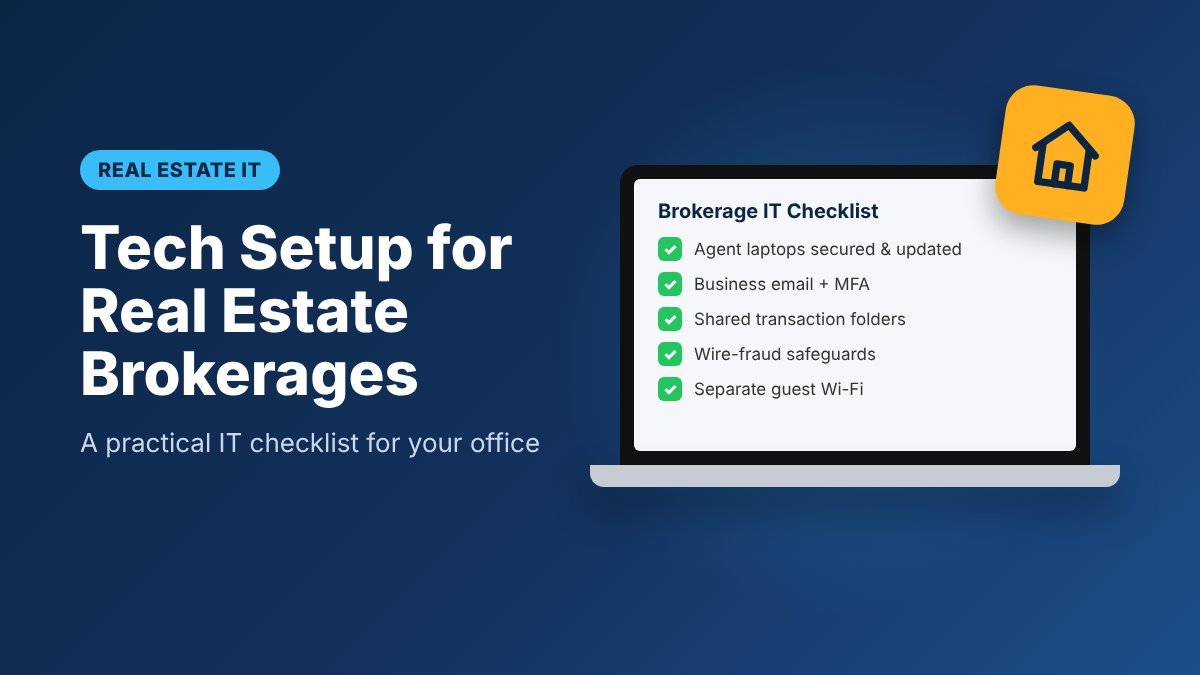
Quick brokerage IT checklist
- Every agent device meets the baseline: updates, antivirus, encryption, screen lock
- Business email on your domain for every agent
- MFA turned on for email, CRM and e-signature
- Shared, organized folders for listings and transactions
- Wire-fraud rules written down and shared with agents
- One brokerage e-signature account with shared templates
- Separate guest Wi-Fi; router password changed
- Printer and scanner set up the same way on every laptop
- Written onboarding and offboarding steps
Related reading
- Tech support for home-based real estate agents
- Cybersecurity tips for small business
- Is it safe to allow remote access?
How Zircon provides IT support for real estate brokerages
Zircon Technovatives provides remote IT support for real estate brokerages and agents across the US. We set up and maintain agent laptops, Microsoft 365 or Google Workspace, shared folders, MFA and office Wi-Fi, and we handle onboarding and offboarding so your broker isn’t the help desk. Most issues are fixed remotely, and when something needs hands-on work, we can coordinate with your local technician.
Ready to make your office tech one less thing to worry about? Contact Zircon Technovatives to talk about IT support for your brokerage.