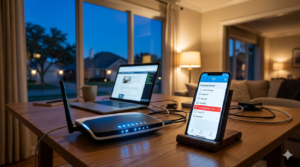
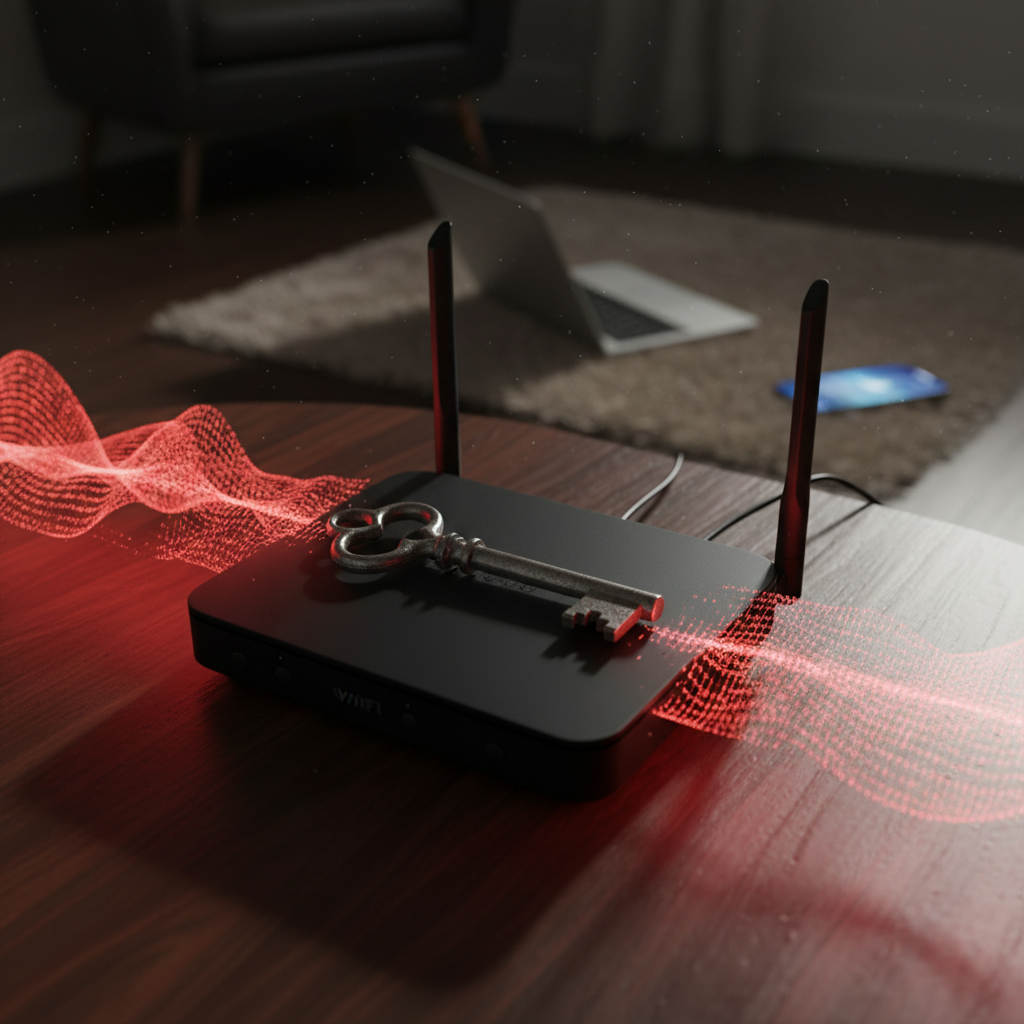
Think of your home’s Wi-Fi router. It’s that quiet, blinking box in the corner, your gateway to work, entertainment, and connection. We treat it like the digital front door for every device in our home—our laptops, phones, smart locks, baby monitors, and security cameras.
Now for a shocking truth: for the majority of American homes, this door is unlocked. The key isn’t just under the mat; it’s printed on a label for the whole world to see. Using the router your Internet Service Provider (ISP) gave you with its factory-default settings is a massive Default Router Security Risk. It’s like broadcasting an open invitation to anyone with bad intentions.
The Anatomy of Risk: What “Default” Actually Means
“Default settings” sound harmless, but in the world of cybersecurity, they are a blueprint for disaster. Let’s break down what this means for your home network security.
- Default Admin Credentials: Most routers ship with a standard username and password like “admin/admin” or “admin/password.” These are public knowledge, compiled in massive databases used by hackers. Once an attacker uses these to log into your router’s control panel, they own your entire network.
- Default Network Name (SSID): Network names like “SpectrumWiFi-A8” or “Xfinity-2.4GHz” do more than just identify your network. They advertise your exact router model and ISP. This gives attackers a perfect starting point to exploit known ISP router vulnerabilities.
- Weak Default Encryption: Many routers still use older, less secure protocols. You need WPA3 or, at a minimum, WPA2-Personal (AES) to keep your data safe. Older standards can be cracked with readily available software, exposing everything you do online.
- Convenience Features as Backdoors: Features like Wi-Fi Protected Setup (WPS), which lets you connect a device with a button press, are notorious security holes. Similarly, Universal Plug and Play (UPnP) can open ports on your network without your knowledge, creating direct entry points for intruders.
The Real-World Consequences: So What?
Connecting technical jargon to tangible outcomes can be frightening, but it’s essential for understanding the stakes. An unsecured router can lead to:
- Data Theft: An attacker can intercept every piece of information that travels over your network. This includes passwords, bank logins, credit card numbers, and private messages.
- Malware Distribution: Your network can be turned into a “patient zero,” used to infect every connected device in your home with viruses, ransomware, or spyware.
- IoT Device Takeover: Hackers love unsecured networks. They can gain access to your smart home devices, potentially spying through security cameras and smart speakers or even disabling smart locks.
- Your IP Address as a Weapon: Cybercriminals can use your internet connection to conduct illegal activities, like piracy or attacks on other networks, making you legally liable.
- Bandwidth Theft: If your connection seems slow, a neighbor could be piggybacking on your Wi-Fi, using your bandwidth for heavy downloads or streaming.
The Zircon Hardening Checklist: Securing Your Digital Front Door
You have two options: follow our DIY guide for router hardening, or let our experts handle it for you remotely. Taking action is what matters.
Step 1: Change the Admin Login. This is your first and most critical step. Change the router’s administrator password to something long, complex, and unique. Store it safely in a password manager.
Step 2: Create a Strong, Unique SSID. Change your network name from the default. Avoid using personal information like your family name.
Step 3: Enable WPA3 or Robust WPA2 Encryption. Log into your router’s settings and ensure the strongest available encryption is active.
Step 4: Disable WPS and UPnP. Unless you have a specific device that absolutely requires them, turn these features off. The convenience is not worth the risk.
Step 5: Create a Separate Guest Network. Most modern routers allow this. Put all visitor devices and less-secure smart home gadgets on this isolated network to protect your primary devices.
Step 6: Enable the Firewall & Disable Remote Admin Access. Your router has a built-in firewall; make sure it’s turned on. Also, disable any feature that allows it to be administered from outside your home network.
Step 7: Keep Firmware Updated. This is the step everyone misses. Firmware updates contain critical security patches. Check your router manufacturer’s website regularly and install updates as soon as they are available.
For many, this process can be daunting. Zircon Technovatives specializes in performing this complete router and network hardening for you remotely, ensuring it’s done correctly and efficiently.
Why DIY Isn’t Always Enough & The Zircon Advantage
Tackling this on your own can be tricky. Router interfaces vary wildly between brands and ISPs, and one wrong setting can knock your entire network offline, leading to a frustrating call with your provider.
Our technicians don’t just change a few settings; we perform a comprehensive security audit of your home network. We use our expertise to identify other vulnerabilities you might miss and provide a professional remote router setup that’s built for security from the ground up.
A Note on Our Process: We provide scheduled, in-depth remote support sessions to give your security the focus it deserves. While we don’t offer 24/7 emergency break-fix support, our goal is to build you a robust, self-defending network that prevents emergencies in the first place.
Take Control of Your Network Today
Don’t leave your digital front door wide open. Schedule your remote Router Security & Network Health Check today. In under an hour, we can help transform your network from a liability into a fortress. Rest easy knowing your connection to the world is finally locked.
Frequently Asked Questions
Will this slow down my internet speed?
Proper security should have no noticeable impact on speed. In fact, by preventing unauthorized users from stealing your bandwidth, our service may even improve your connection’s performance.
What if I get locked out of my router?
This is a common concern we handle. As part of our service, we guide you on how to safely document your new credentials. If a mistake happens, we can walk you through the factory reset process and start fresh.
Do I need to buy a new router?
Often, no. Most modern routers supplied by ISPs have strong security features—they’re just not turned on by default. We’ll assess your current hardware during our check and only recommend an upgrade if it’s absolutely necessary for your security.
Do you offer 24/7 support if I get hacked after?
We are a proactive security service, not a reactive emergency response team. Our service is designed to make a hack extremely unlikely. We provide scheduled follow-up audits to help you maintain your strong security posture over time.